Oauth EC App Not Found
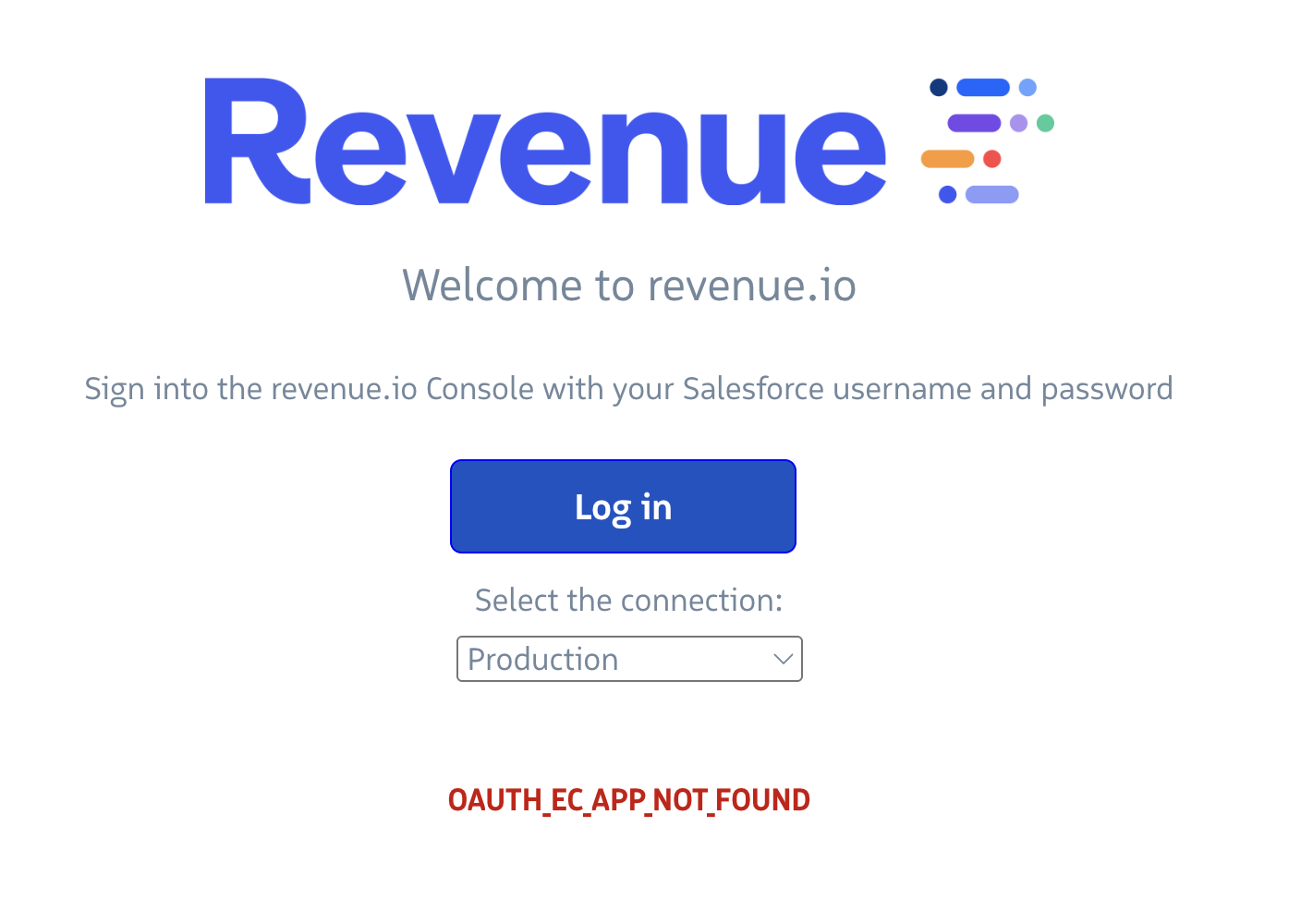
Symptom
When a user attempts to log in with Salesforce credentials, login fails with the error OAUTH_EC_APP_NOT_FOUND, and the user cannot access Revenue.io.
Cause
Salesforce requires integrations to use External Client Apps with Proof Key for Code Exchange (PKCE) and Refresh Token Rotation. We released an updated Salesforce package with these settings. If your org has not installed that package, Salesforce blocks authentication even though users previously logged in successfully.
Revenue.io has contacted admins to install the upgrade ahead of Salesforce’s May 11, 2026 deadline. Salesforce can enforce these requirements at any time, so install the package as soon as possible.
Solution
A Salesforce admin must install the upgraded Revenue Authentication package (version 0.2.2) in your Salesforce org. Follow the steps in Migration to Salesforce External Client Apps to install the package, validate the integration, and confirm users can log in.
After installation, have affected users log in again. If login still fails, contact Revenue.io Support.