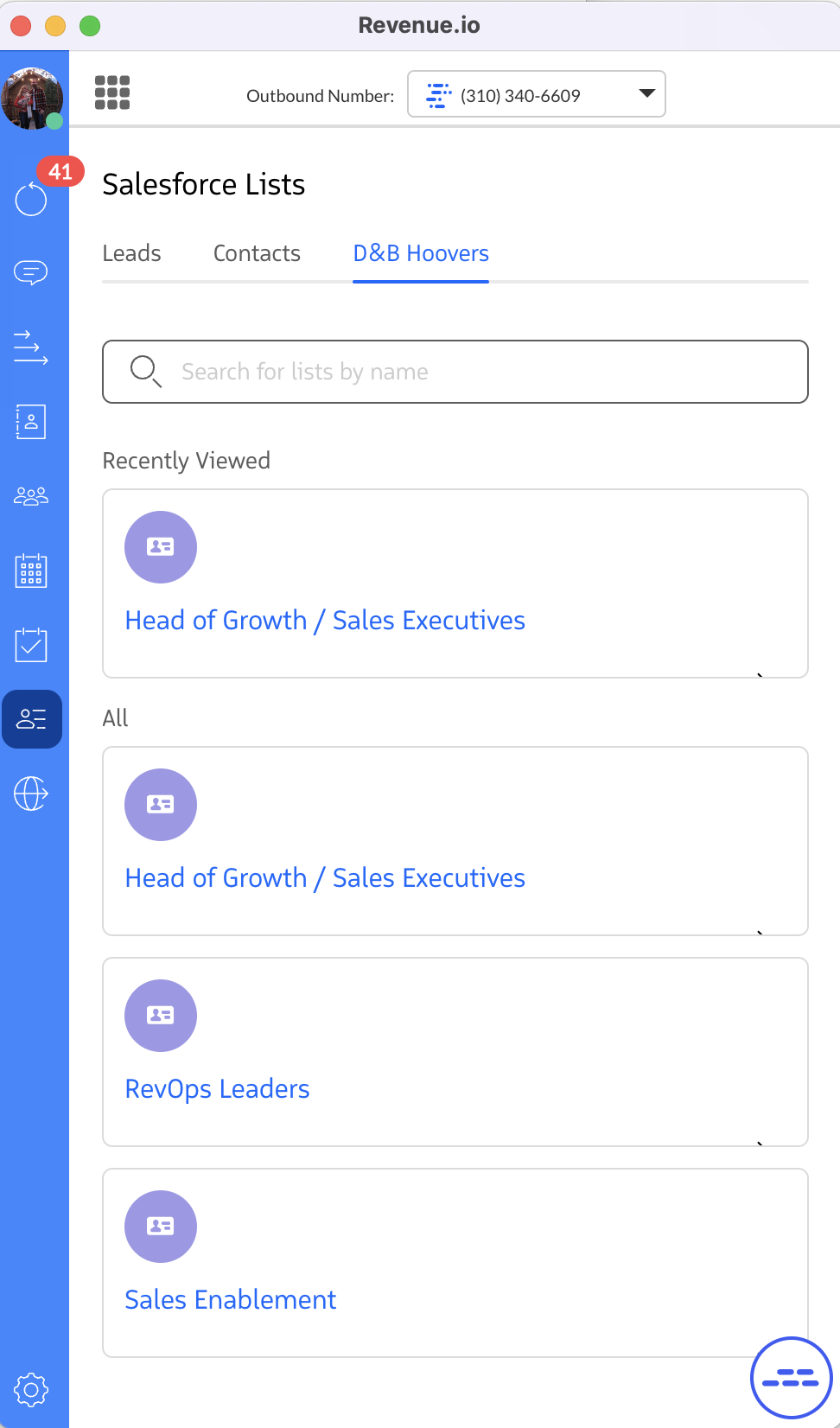
Salesforce Lists
On the Lists tab in the RingDNA Communications Hub, users have access to the same Lead and Contact lists they can open in Salesforce. For more on list access in Salesforce, see Salesforce Help: List Views.
Lists let salespeople open Lead or Contact lists inside the Communication Hub so they can place calls and take other actions without switching back and forth to Salesforce.
Walkthrough
Below is a walkthrough of the Lists feature in the RingDNA Communications Hub.
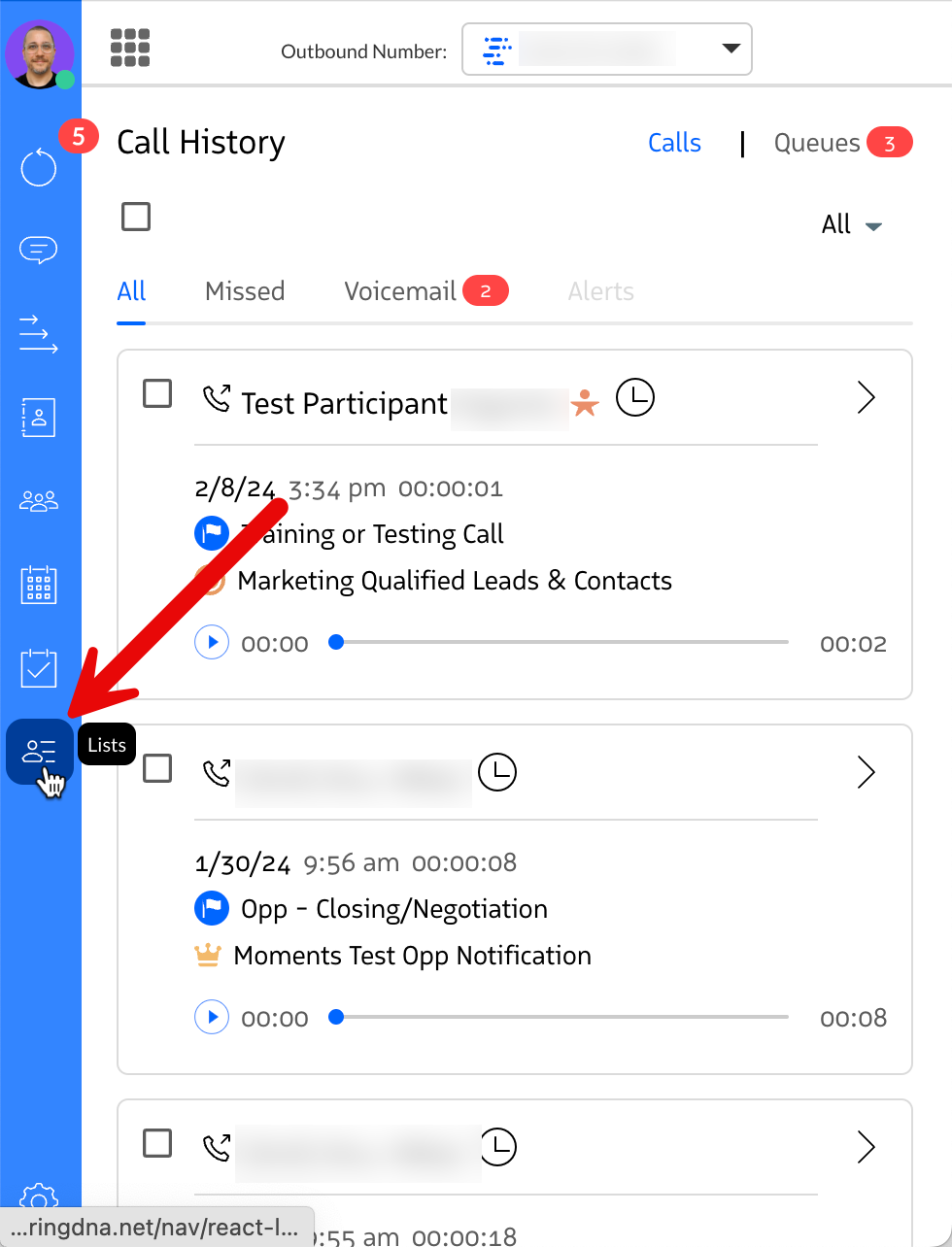
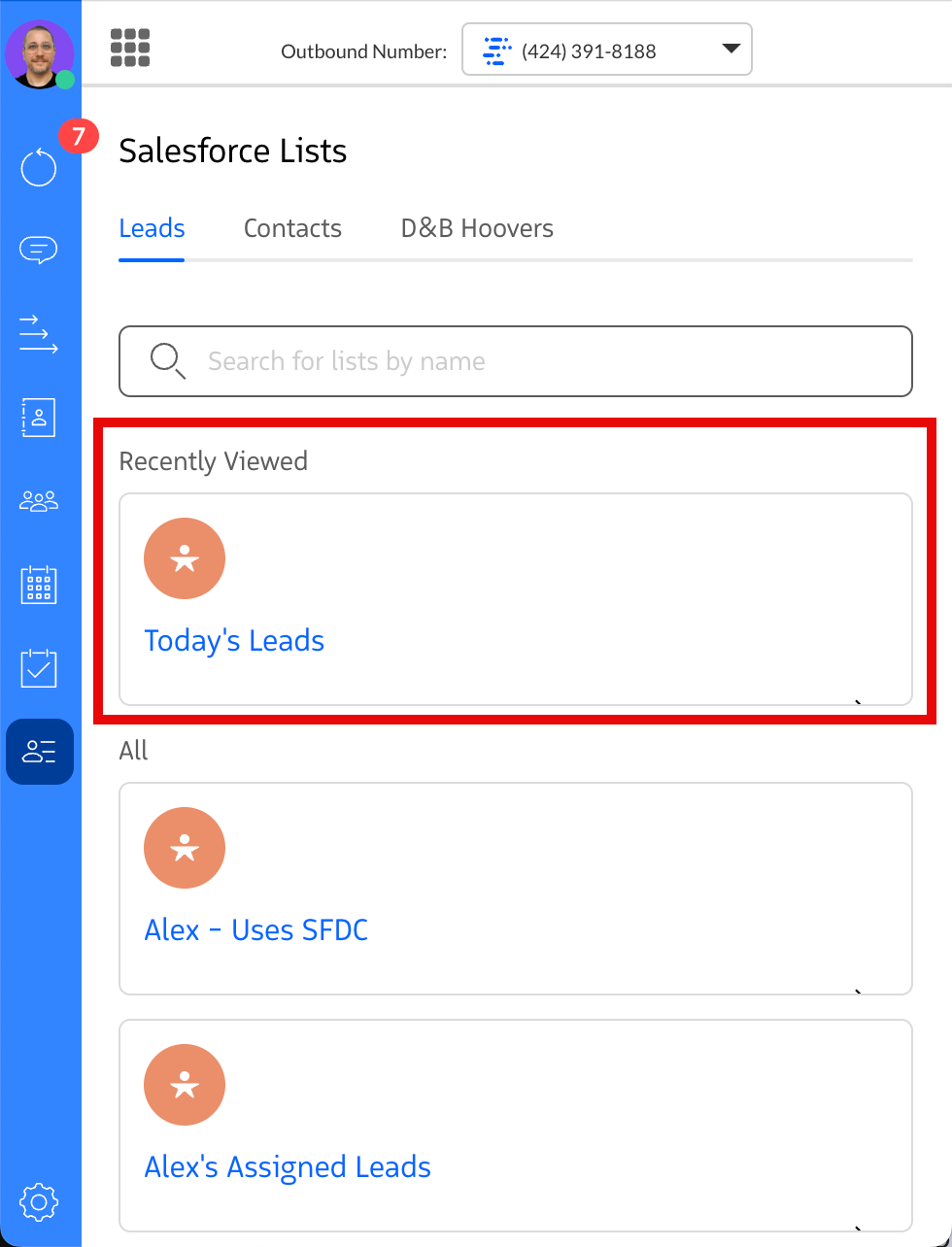
Users see a Lists tab in the left navigation.
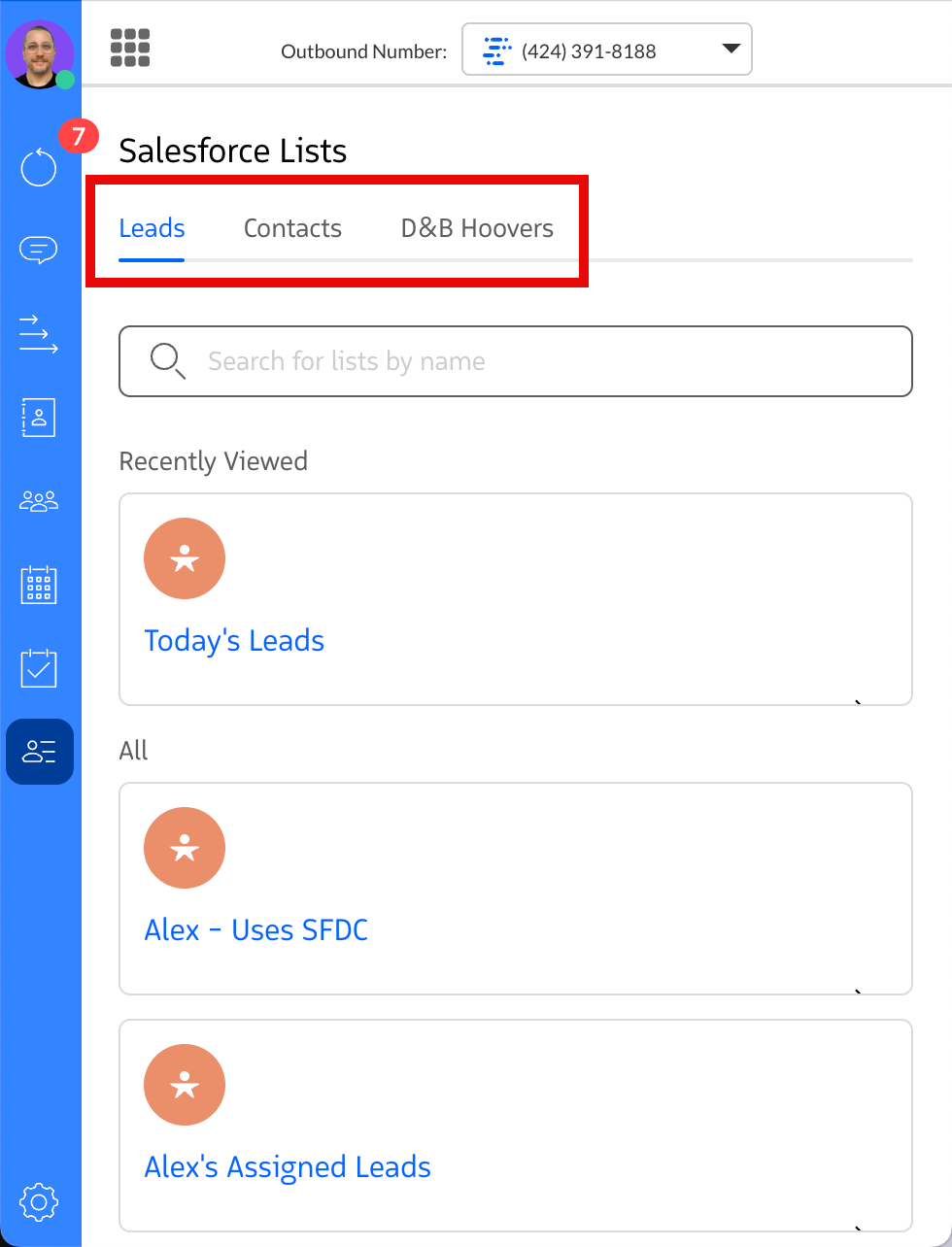
There are two sub-tabs: one for Lead lists and one for Contact lists.
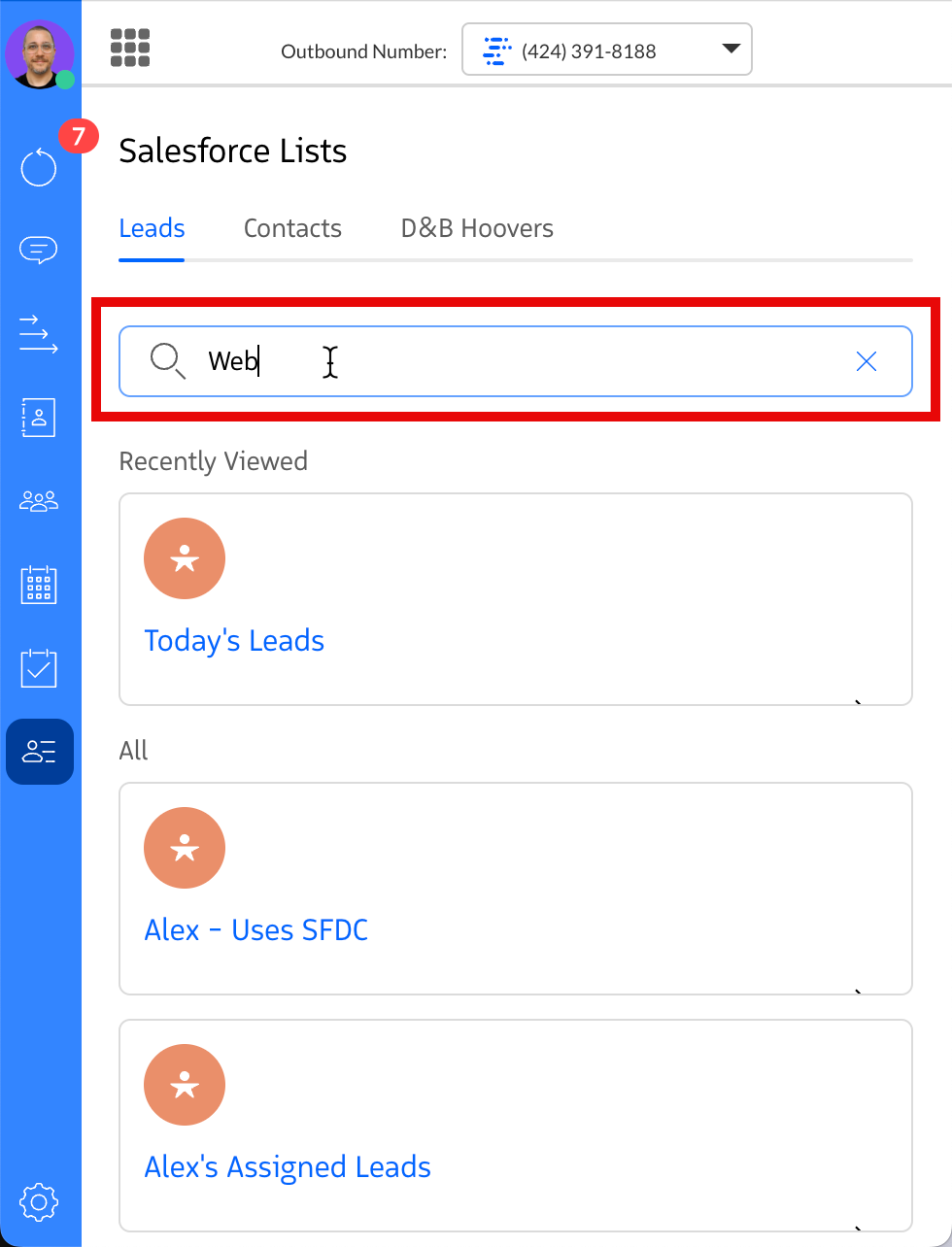
Reps can search for a list by name to find it quickly.
The last list a user opened appears under Recently Viewed.
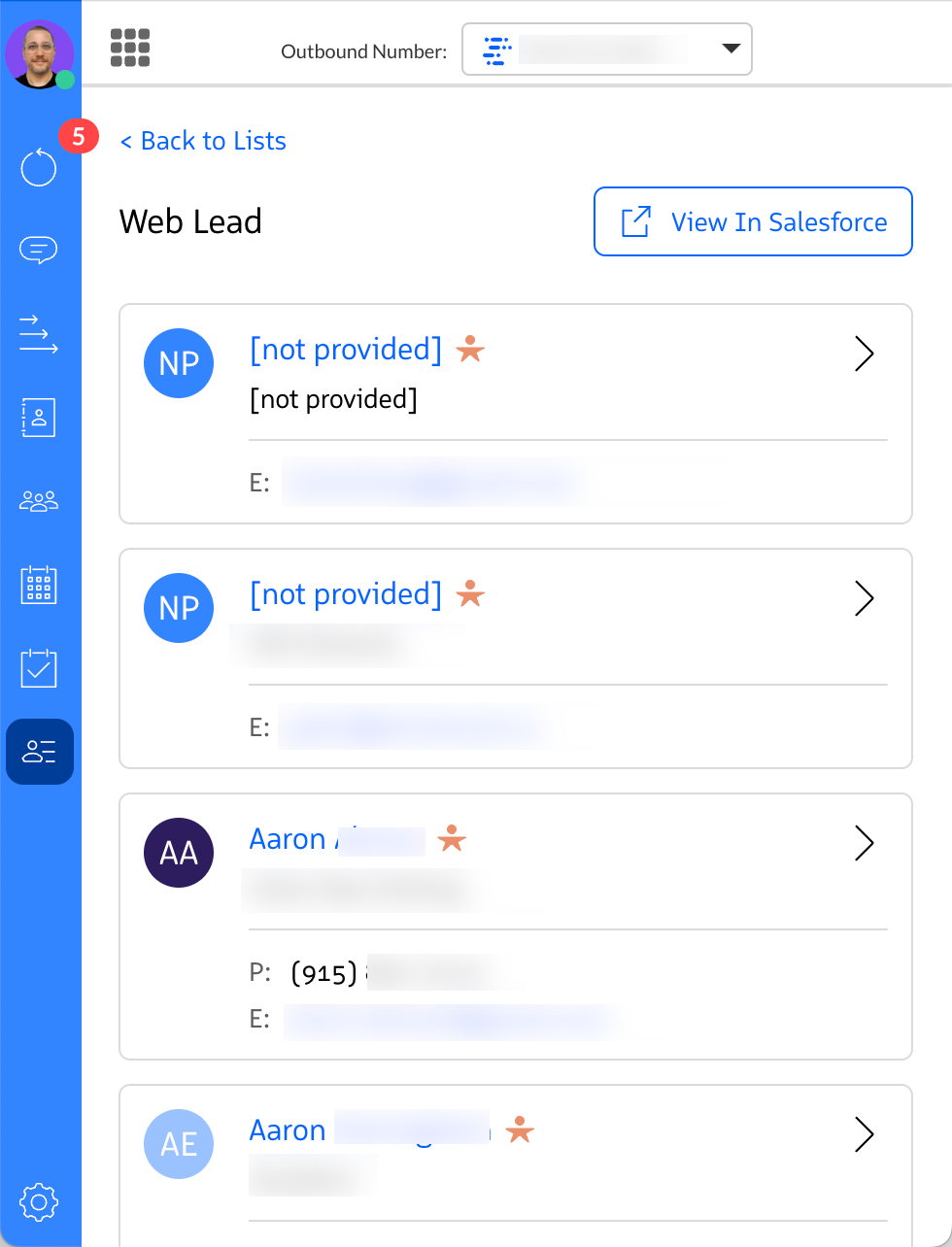
After opening a list, users see every Lead or Contact in that list. They can open a record to take actions such as calling, email, or messaging.
For the D&B Hoovers tab, see Send D&B Contacts to Revenue.io.