Getting started with the RingDNA iOS mobile app
The RingDNA mobile app lets you use Salesforce-connected calling and messaging from anywhere so activity stays logged and your pipeline stays current when you are away from your desk.
Download and install the app on iOS
- Open the App Store on your iOS device.
- Open Revenue.io: AI Sales Dialer on the App Store, or search for
Revenue.io: AI Sales Dialer. - Tap
Download. - When installation finishes, tap
Open.
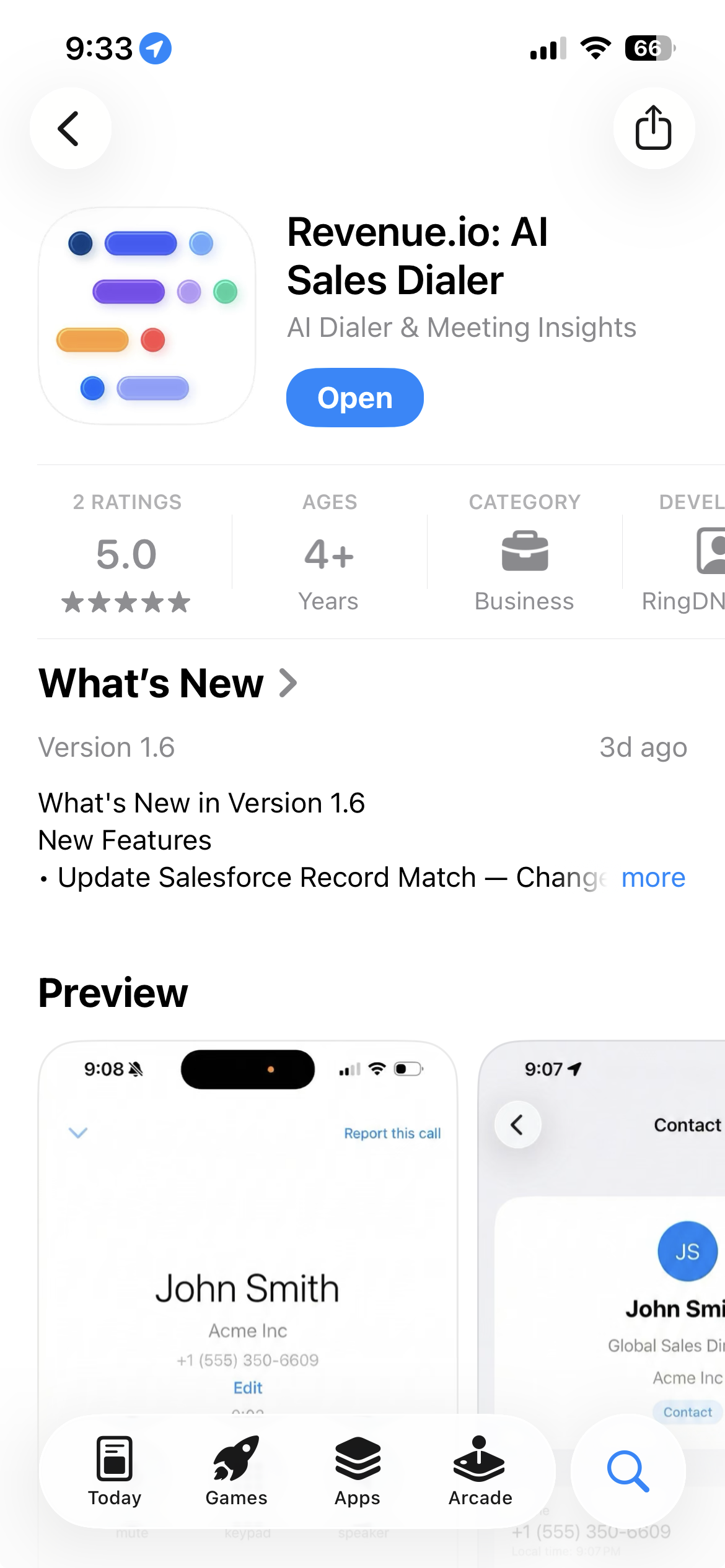
Install the app from the App Store.
Sign in to the app
- Open the app.
- Select your Salesforce environment (
Production,Sandbox, orCustom Domain). - Enter your Salesforce credentials.
- Complete authentication.
After you sign in successfully, your session is stored securely and restored automatically.
On your first visit, you are prompted to allow permissions for microphone, notifications, and contacts. Enable notifications so you receive phone calls and messages in real time, and choose the correct Salesforce environment to avoid sign-in issues.
Last updated on