RingDNA Admin Report Overview
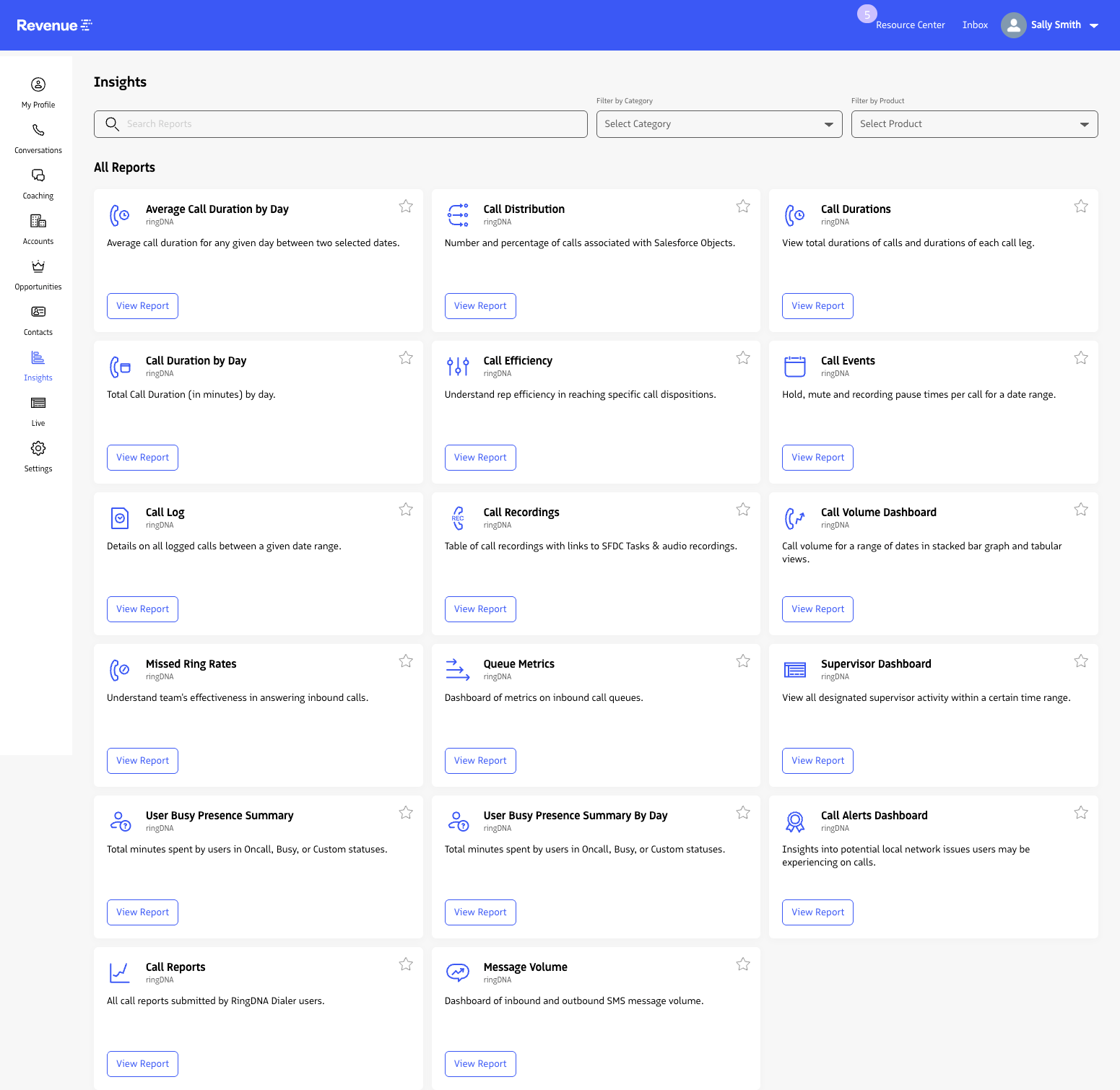
In Insights, you can access a large set of RingDNA reports that provide key visibility into rep behavior, phone call outcomes, and team performance.
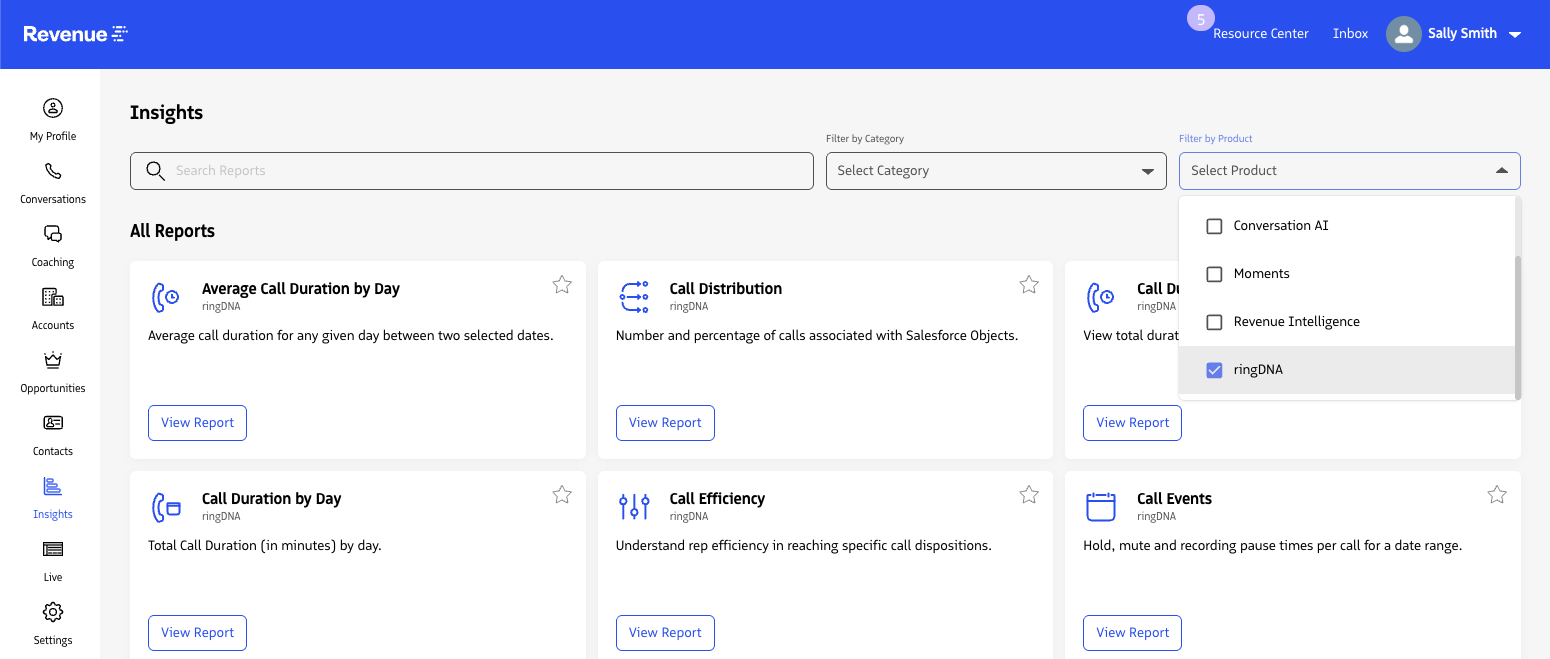
Accessing the Reports
To access RingDNA reports:
- Log in to the Revenue app.
- Open Insights.
- In the Product filter, select
RingDNA.
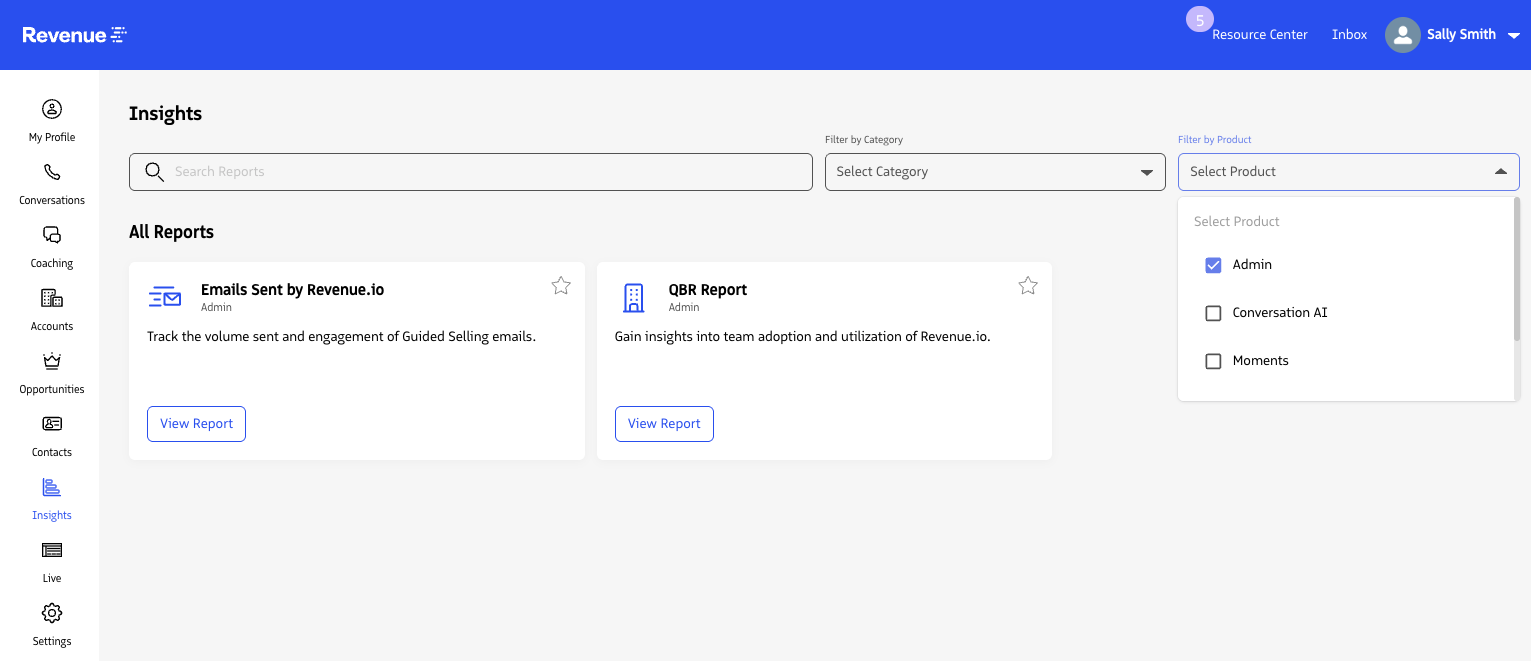
Note: The QBR Report and Emails Sent by Revenue.io reports are available when you filter to Admin in the Product filter.
Last updated on