Revenue Reports & Dashboards Overview
The Revenue app provides access to a large number of reports that provide insight into Conversation AI, Moments™, RingDNA, and Revenue AI functionality.
Accessing reports
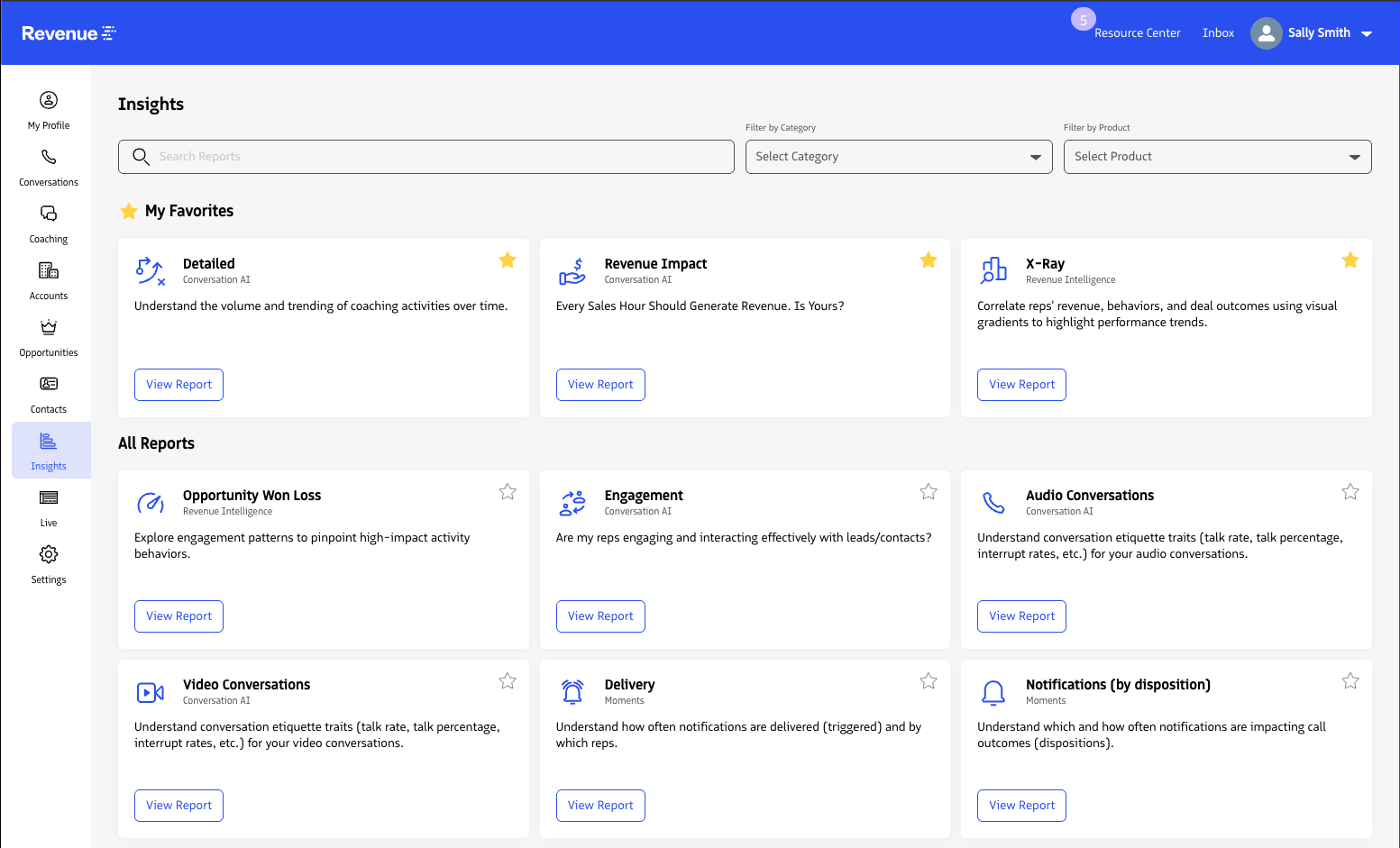
To access Revenue reports, log in to the Revenue app and click Insights in the left menu.
Search for a report
All available Moments™, Conversation AI, RingDNA, Admin, and Revenue AI reports are visible on the Insights landing page. Each card includes a short description and is grouped by product.
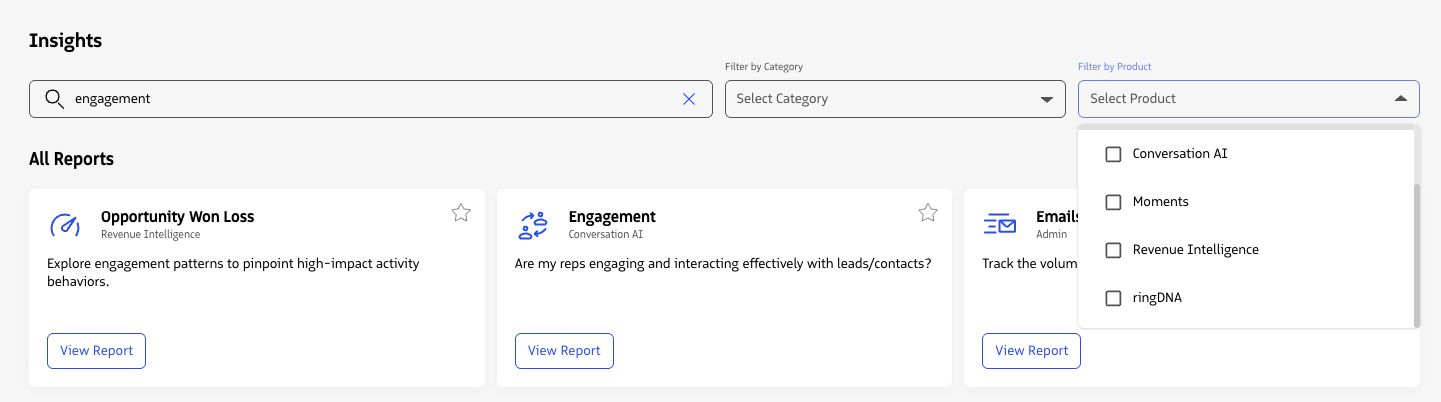
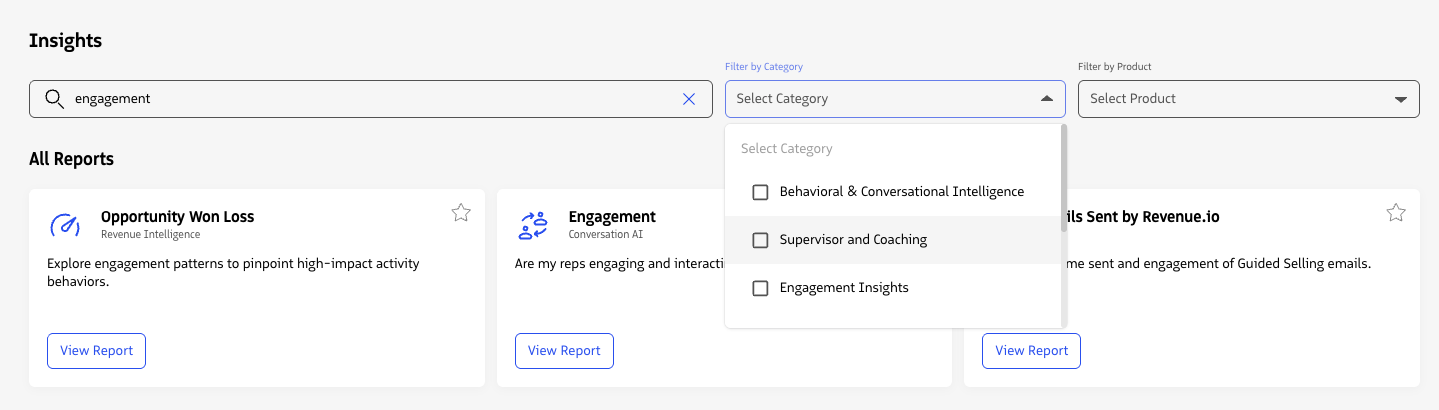
Use the Search field, Filter by category, and Filter by product fields to quickly find relevant reports.
Favorite a report
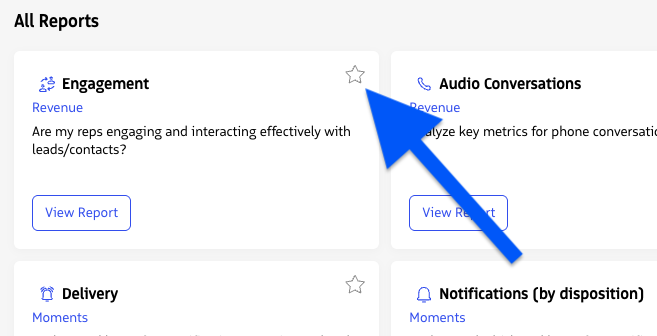
Click the star icon to add a report to your favorites section. This allows you to quickly find reports you access the most without having to scroll or search.
Last updated on