Revenue.io Product Updates: May 2026
We’re shipping several improvements designed to make your workflow faster and more flexible. From mobile-friendly conversation records to smarter opportunity linking, this release focuses on getting you to insights quicker.
Conversation AI
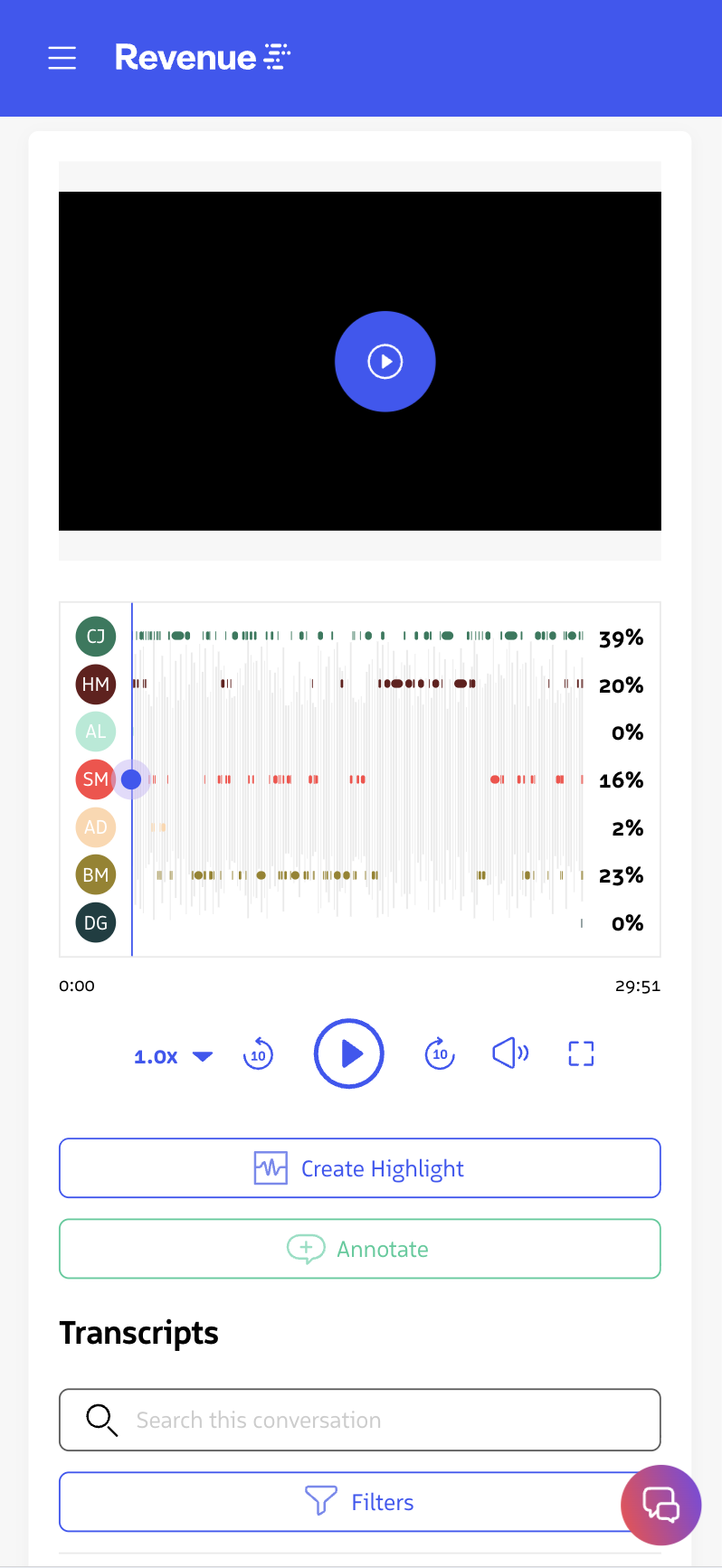
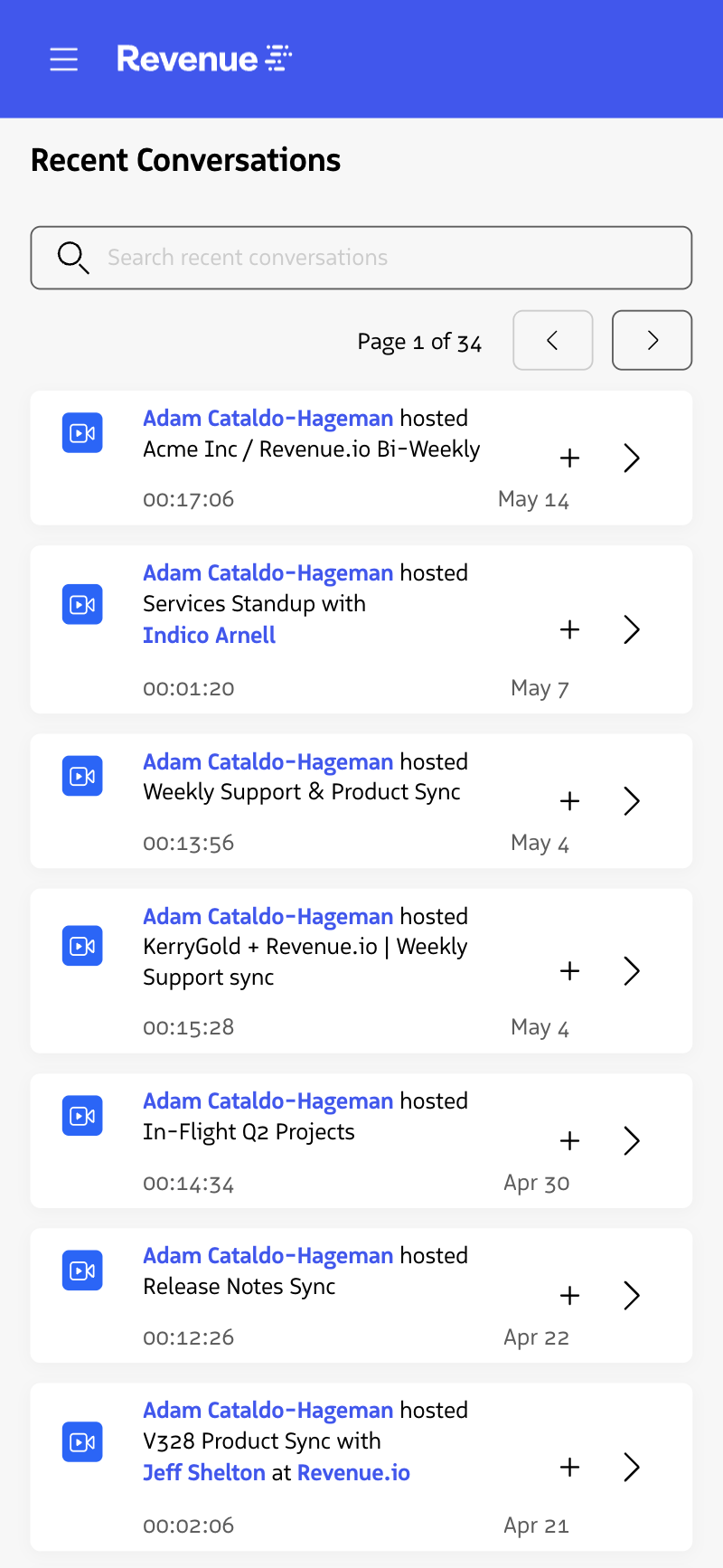
Review Conversations on the Mobile Devices
Inbox, conversation list, and conversation record pages in the Revenue app are now accessible on mobile phone, allowing you to listen to and provide feedback on conversations while you’re on the go. Simply open the Revenue App on your phone’s browser to get started.
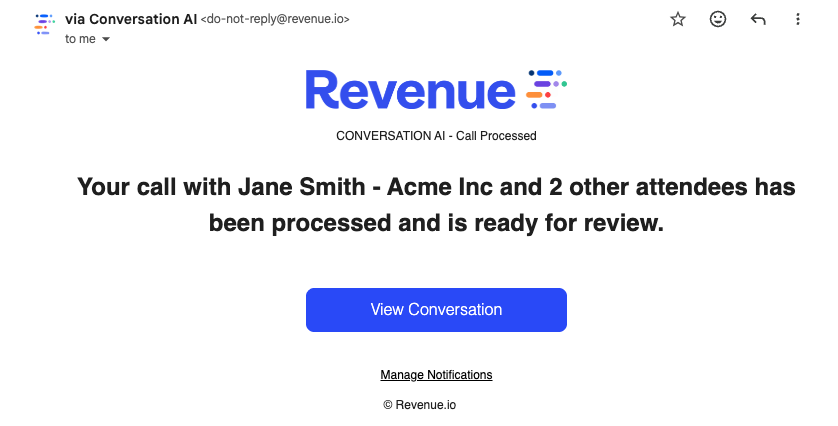
Get Notified When Calls are Processed
You no longer need to check Conversation AI to see if your recording is available. Get notified by email the moment your conversation is ready to review.
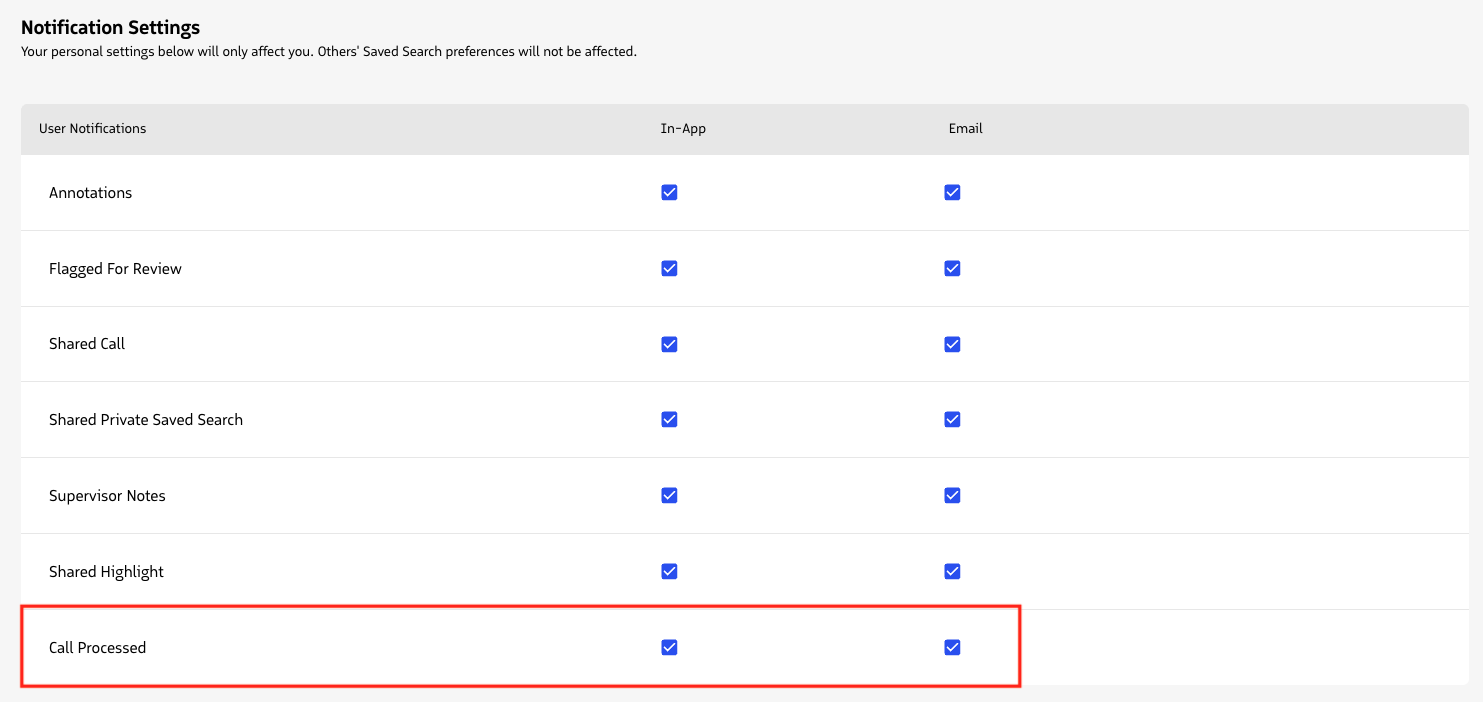
Configure Notifications: Click Settings → Inbox Setup → Notification Settings
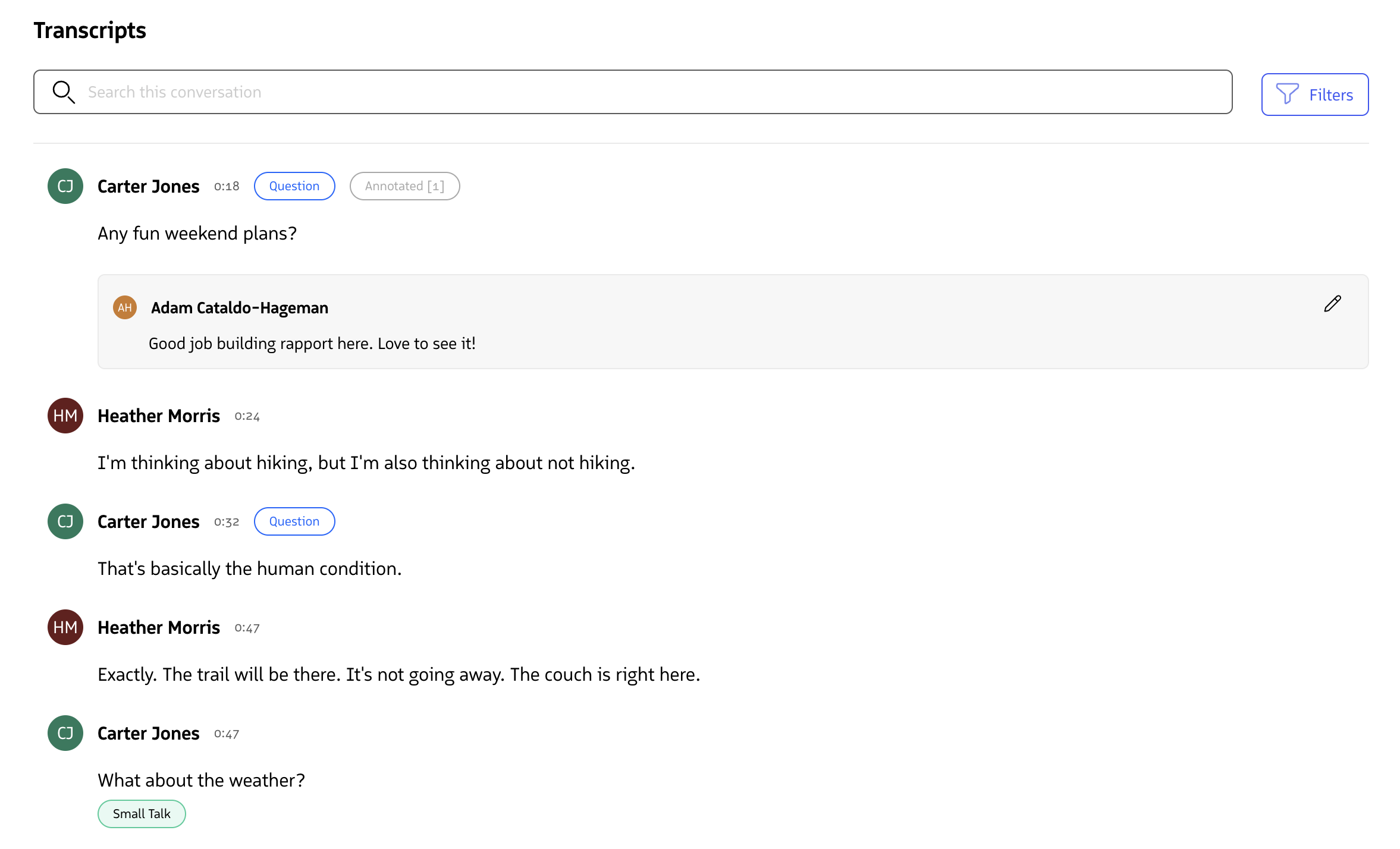
Consolidated Conversation AI Transcript
The transcript in Conversation AI now has transcript, keywords, questions, and annotations consolidated into one view.
Merged Public and Private Saved Search Pages
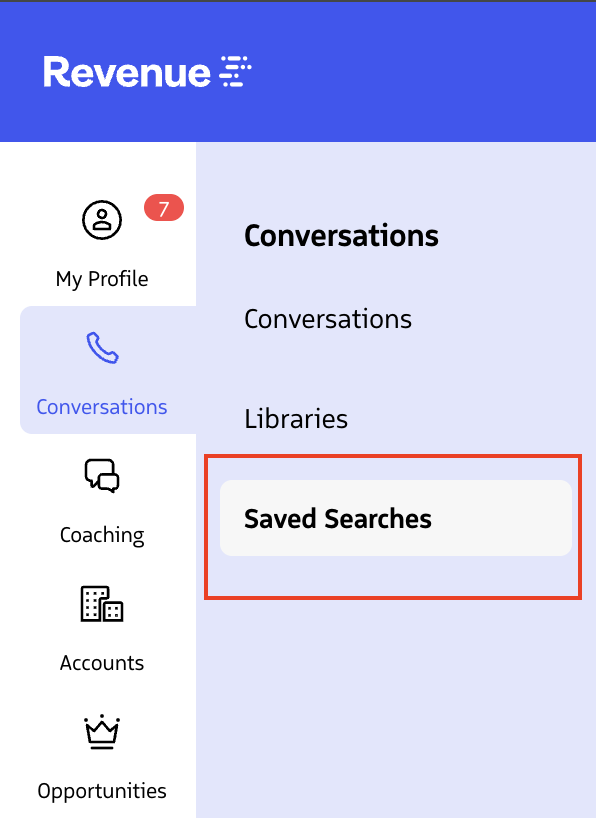
Find your saved searches faster. Public and private searches now live in one place with a type filter to sort them.
- Single Saved Searches section in Conversations navigation
- Filter by “All Types,” “Public,” or “Private”
- Expand any row to see search criteria without running it
- Different actions available for owned vs. public searches
- “Shared with Me” searches remain accessible from Inbox
Revenue Intelligence
Smarter Opportunity Automation
Opportunity linking just got more reliable. We’ve updated Auto Link Opportunities to use Salesforce’s built-in closed status instead of stage names.
- Auto link now uses isClosed field instead of stage name matching
- Works with your custom stage names
- Applies to all three auto-link strategies: most recent activity, next close date, and most recently created
- Covers both audio and video conversations
Requirements: Admin access to Account Settings. Configure under Settings → Account Management → Opportunity Automation