Moments™ Console
Roles:
AdministratorSupervisorAgent
License:
Moments™
Users can access the Moments™ Console to configure and manage real-time coaching notifications, content, checklists, and templates for their user, team, or organization.
Moments™ Console
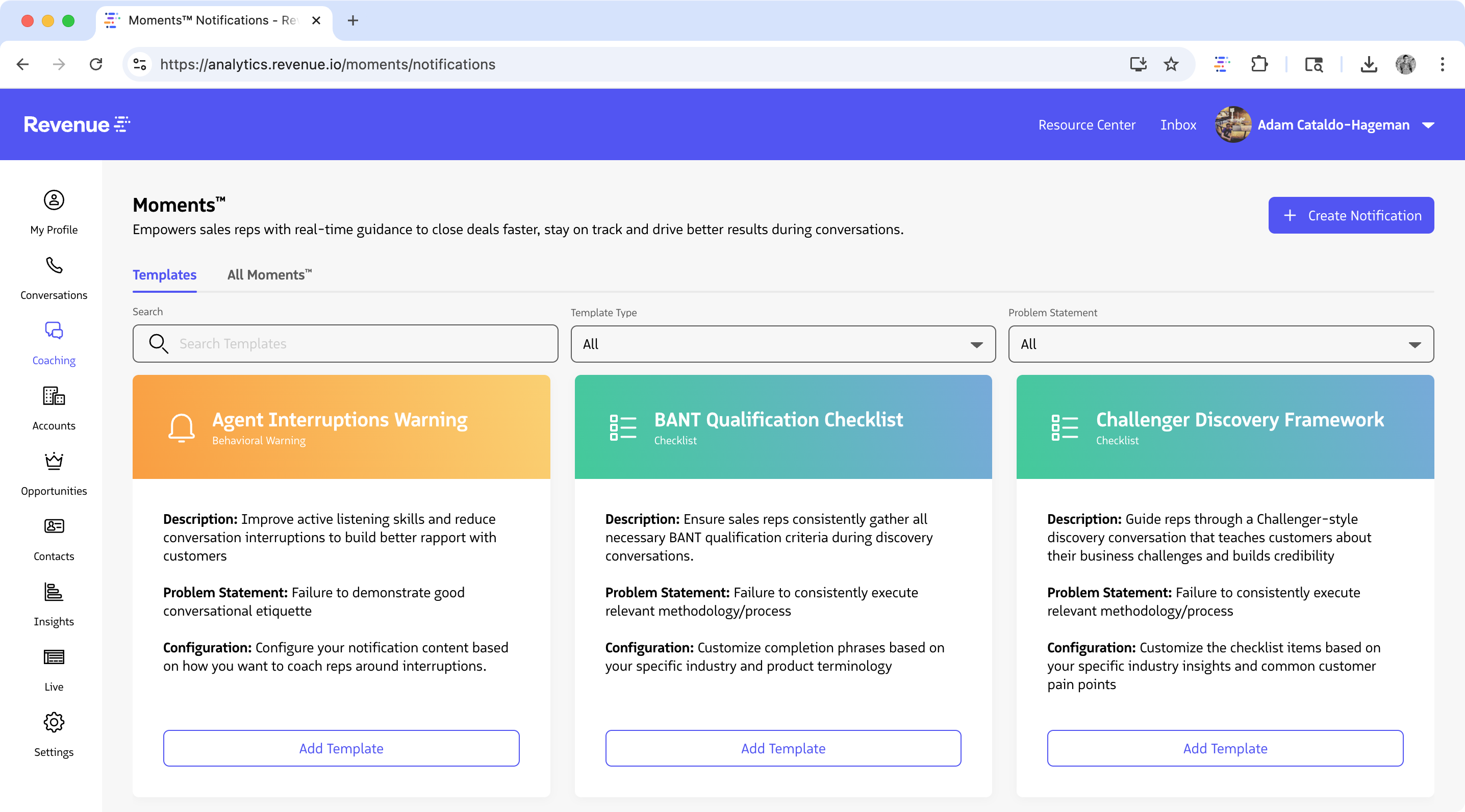
Moments™ Console for Admins and Supervisors
Steps to Access:
- In your browser, navigate to the Revenue App
- If you’re not already logged in, you’ll see a login screen
- Click Login and enter your Salesforce credentials
- After successful login, hover over Coaching and click Moments
What Users Can Do in the Moments™ Console
The Moments™ Console provides comprehensive tools for managing the real-time coaching features of the platform:
Navigation Sections
- All Moments - Configure targeting details and triggering criteria for real-time notifications
- Templates - Browse, preview, and add pre-configured notifications or pre-written content to your account
Key Functions
- Create and manage notifications: Set up real-time notifications and control how and when they are delivered.
- Agents can create and use personal notifications as reminders during their calls.
- Supervisors can manage notifications for their teams.
- Administrators can oversee and manage notifications organization-wide.
- Configure templates: Use ready-made templates or design custom options to meet your organization’s needs.
Next Steps
- Learn how to create your first notification.
- Visit the Moments™ User Licenses guide for instructions on enabling Moments™ access for your users.
Last updated on