Moments™ App
A RingDNA license is required to trigger and display Moments™ notifications in the RingDNA Communications Hub.
Agents access the Moments™ App to receive real-time notifications, checklists, and coaching during live conversations. The app is available in several formats to fit your workflow.
Moments™ App for Web
The web-based version of the Moments™ App can be accessed directly in your browser.
Steps to Access:
- Navigate to moments.revenue.io in your browser
- If you’re not already logged in, click Login and enter your Salesforce credentials
- Once logged in, the Moments™ App will be ready to use
- Connect to a live call using the RingDNA Dialer (place an outbound call or answer an inbound call) to activate the app and start receiving real-time notifications
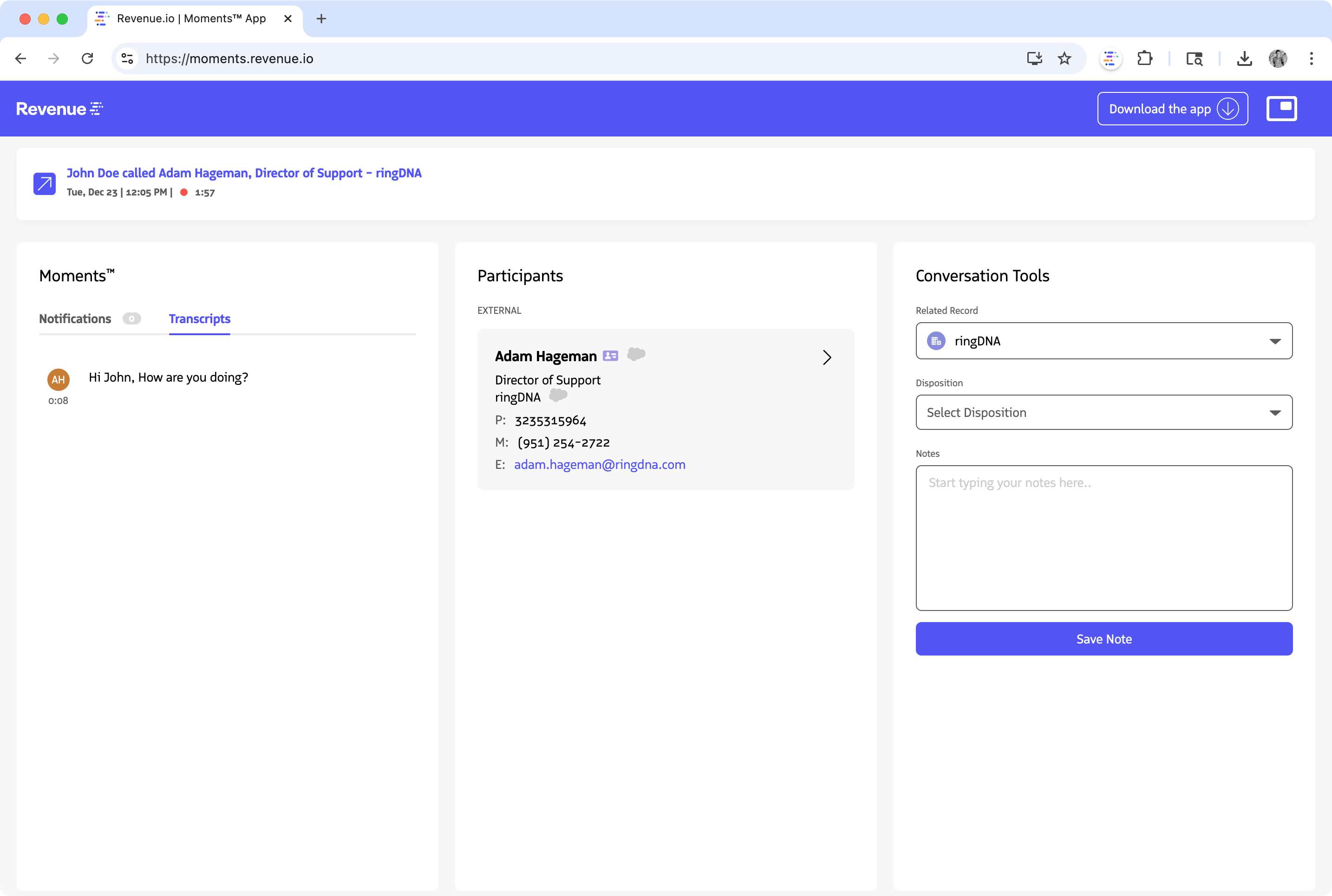
Moments™ App on Web
Keep Notifications On top
You can leave the Moments™ App open at all times. It will automatically activate when you connect to a call. For better visibility, click the picture-in-picture icon in the desktop app to open an always-on-top display that stays visible above other windows, ensuring you never miss notifications.
Moments™ App for Desktop
For a standalone desktop experience, you can install the Moments™ App on your Mac or PC.
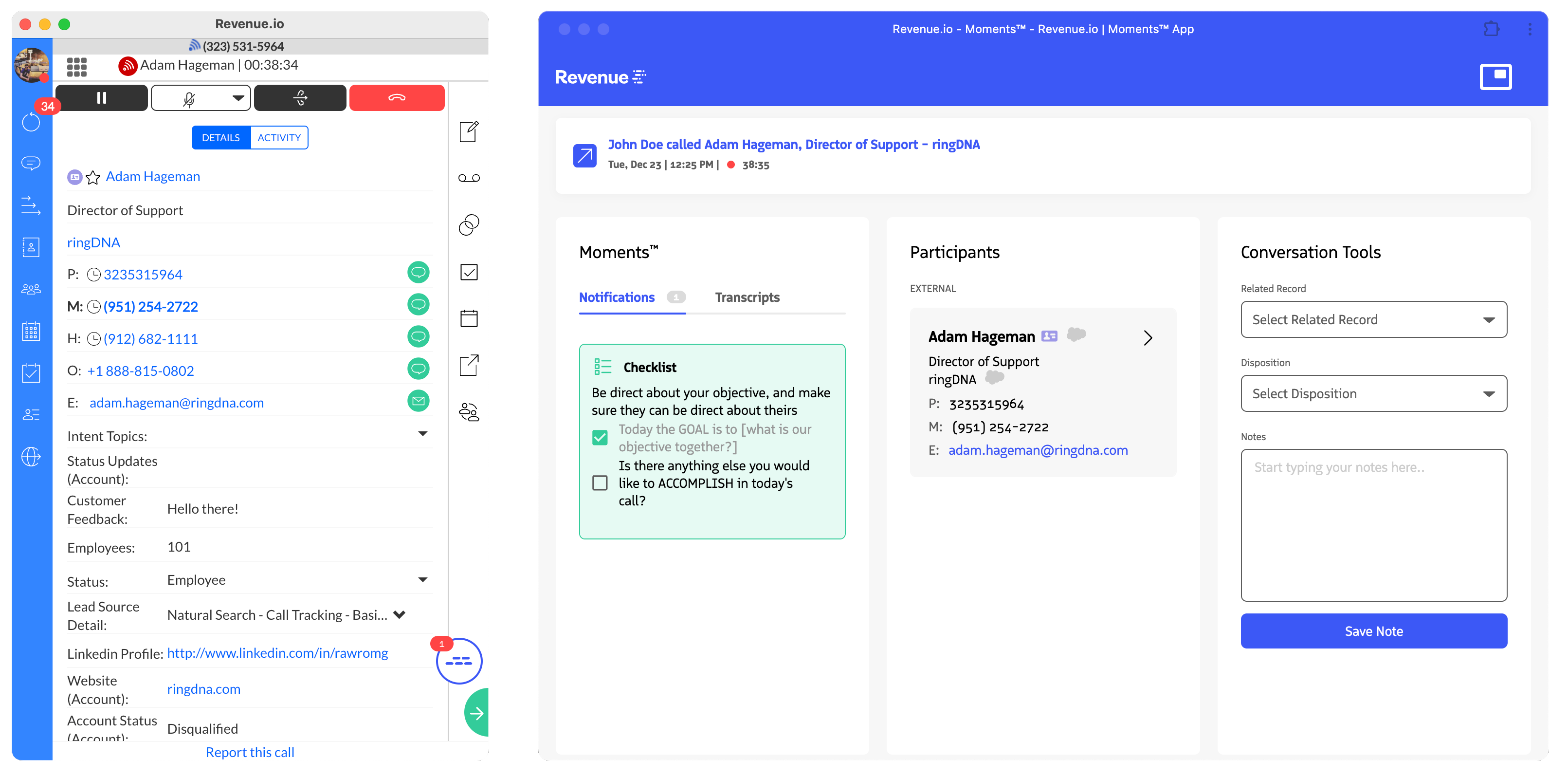
RingDNA Communication Hub next to the Moments™ Desktop App
Installation Steps:
- Navigate to moments.revenue.io in your browser (Chrome recommended)
- Click on Download the app in the top-right of the navigation bar
- Click Install to proceed with installation
- Once installed, the Moments™ App (“Revenue.io”) will appear. To find it later:
- Windows: On Desktop
- Mac: Applications | Chrome Apps
- Click the Moments™ icon to launch the app and sign in with your Salesforce credentials
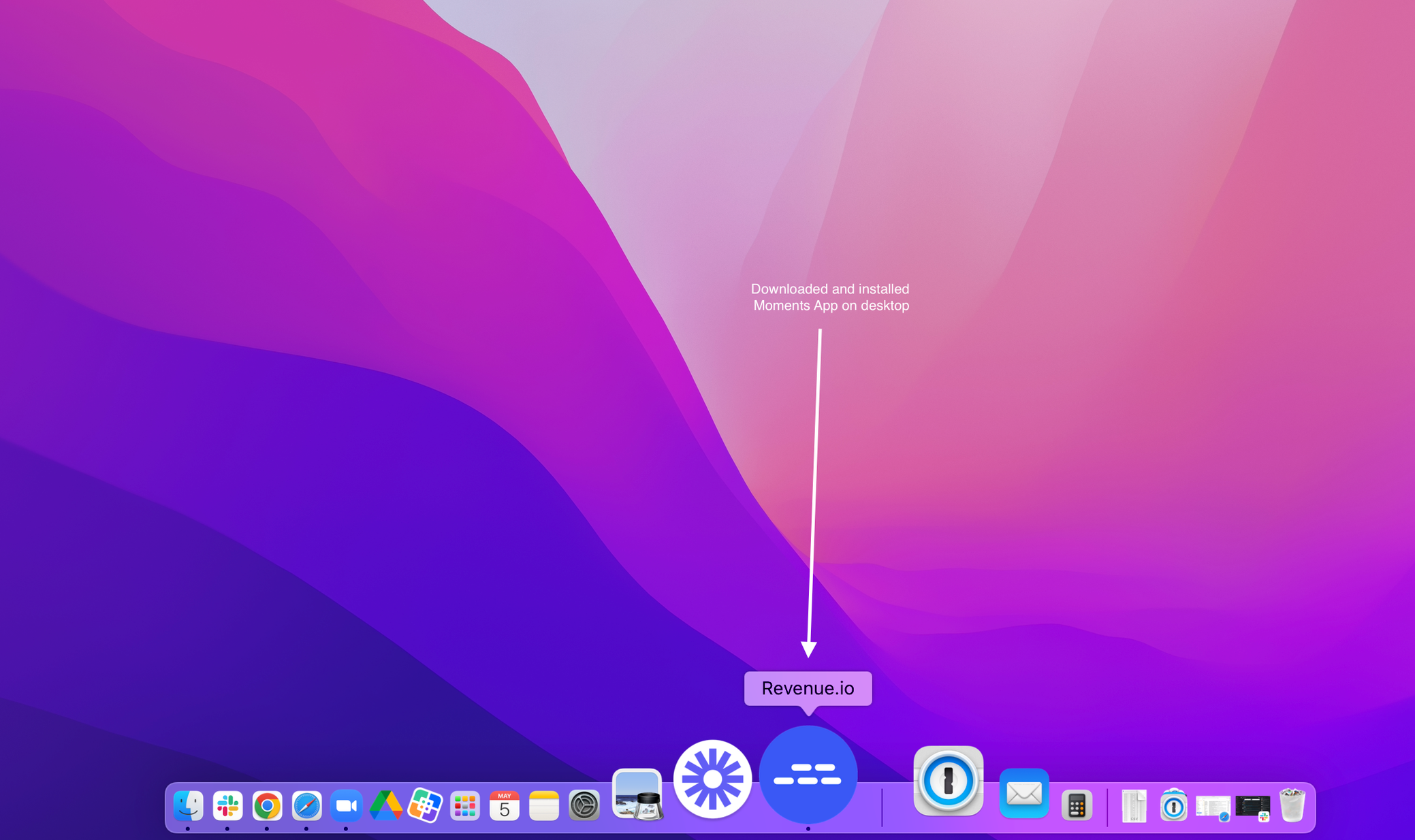
Moments Application Desktop Icon
Moments™ Widget in RingDNA Communication Hub
With a RingDNA license, the Moments™ Widget is integrated into the RingDNA Communication Hub, providing notifications directly within your dialer interface.
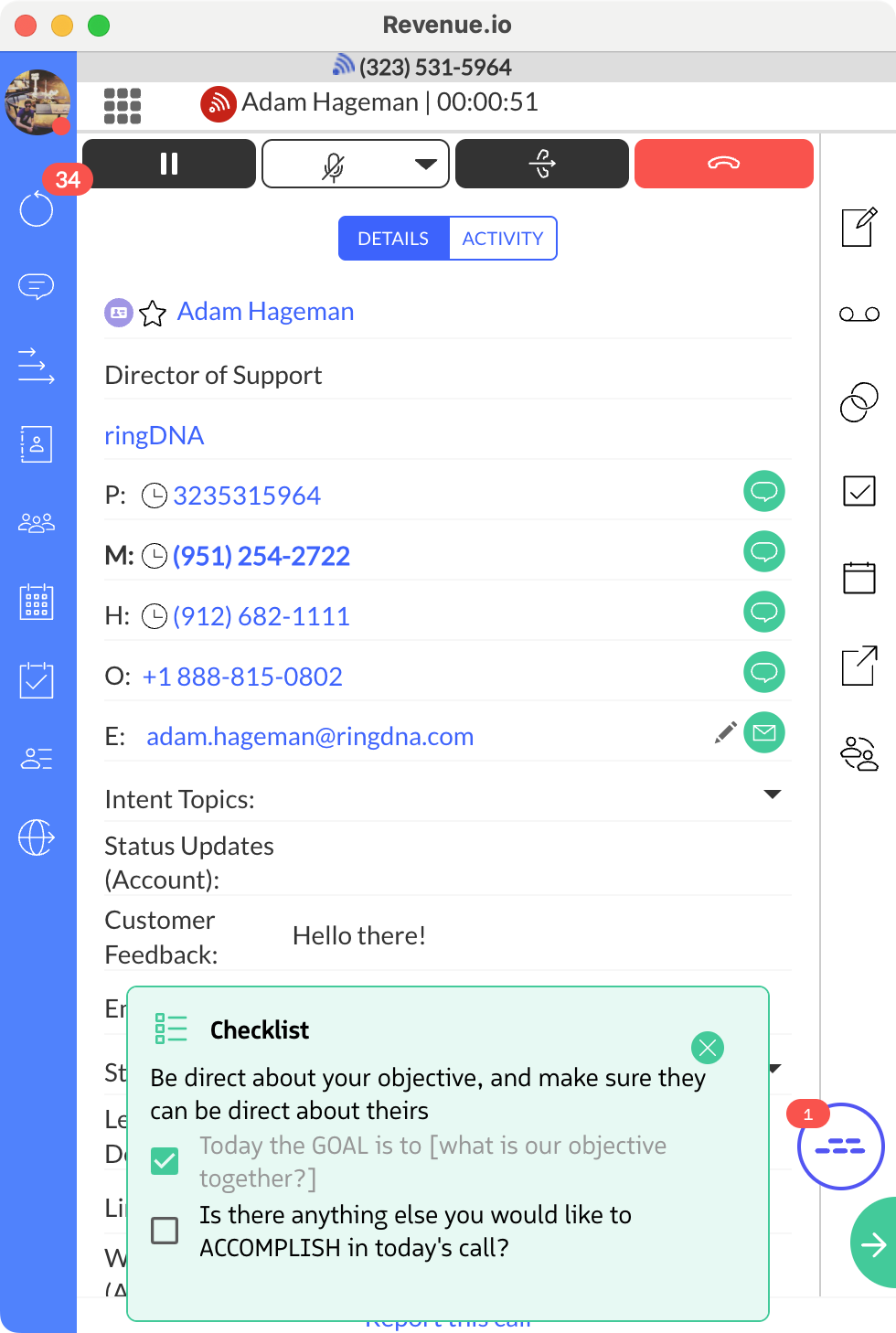
Moments™ Notification in the RingDNA Communication Hub
How It Works:
- The widget appears automatically in the RingDNA Dialer
- Notifications and checklists are displayed in real-time during calls
- The widget shows a badge count of incomplete triggered notifications
What You Can Do in the Moments™ App
Once you’ve accessed the Moments™ App, you can:
- Receive real-time notifications and checklists to improve your conversations (requires Moments™ License)
- View live transcription of your meetings and calls
- Manage meeting participants and their associated Salesforce records
- Control the Meeting Assistant to join Zoom and Google Meet meetings (requires Conversation AI or Moments™ License)
- Complete checklists and mark notifications as done
- View meeting details including title, date, duration, and recording status
License-Based Feature Access
| Feature | Dialer License | Conversation AI License | Moments™ License |
|---|---|---|---|
| Access to Moments™ App | ✅ | ✅ | ✅ |
| View Meeting Details | ✅ | ✅ | ✅ |
| View and Manage Participants | ✅ | ✅ | ✅ |
| Access Notifications & Checklists | ❌ | ❌ | ✅ |
| Invite & Control Meeting Assistant | ❌ | ✅ | ✅ |
Next Steps
Learn more about using the Moments™ App during live conversations.