Advanced Call Tracking
Advanced Call Tracking is for marketers who segment traffic or run A/B tests and need to attribute inbound calls with custom URL parameters.
What is Advanced Call Tracking?
With Advanced Call Tracking, you create a dedicated phone number, associate a call flow and a Salesforce marketing campaign, and add a custom parameter that drives attribution. You can append that parameter to URLs for flexible tracking across use cases.
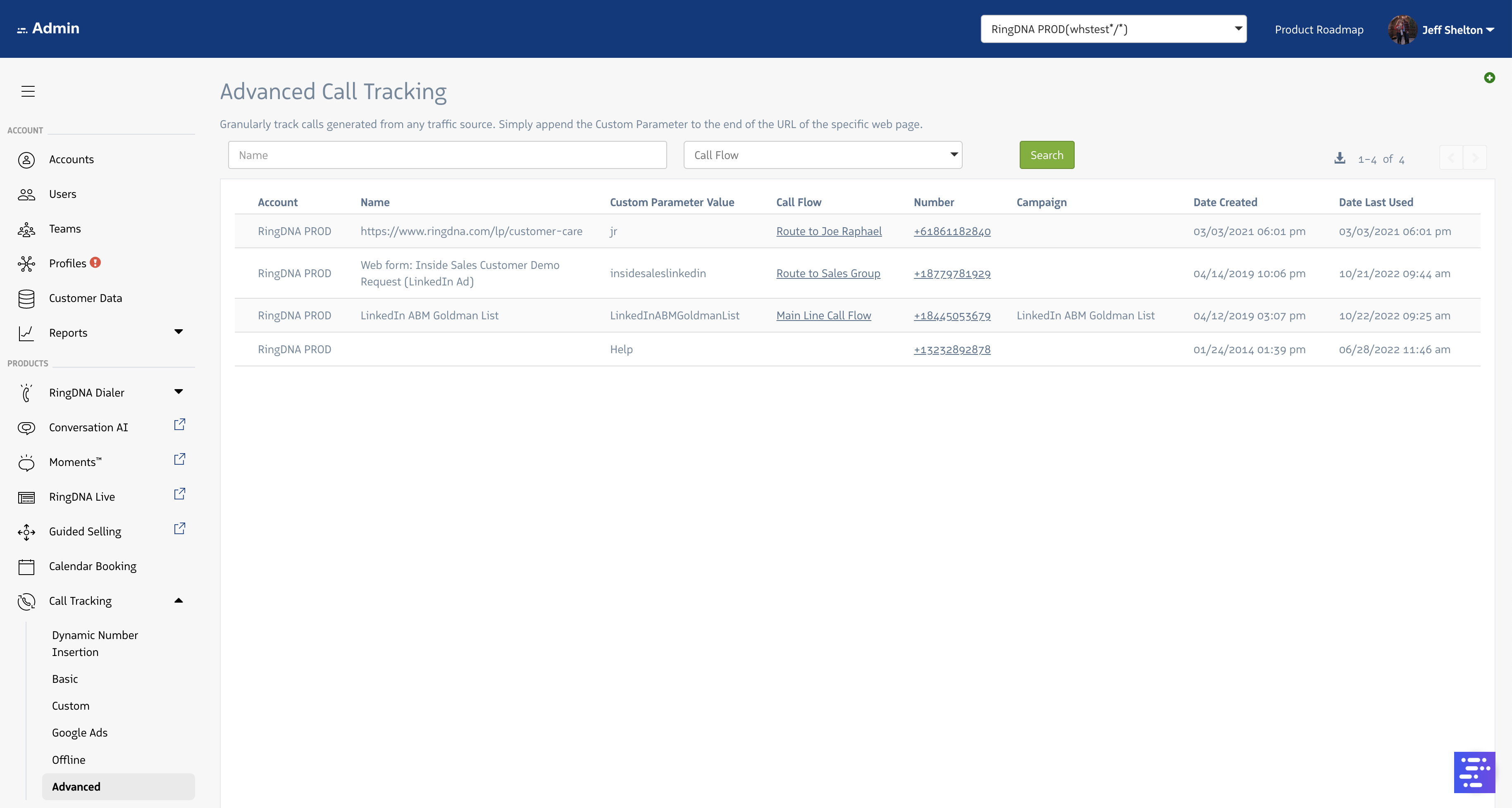
Advanced Call Tracking uses a custom URL parameter to select the tracking number.
Custom URL parameters
You can append a parameter to any URL for a page that includes the tracking JavaScript snippet so the correct tracking number is shown. That supports campaigns where you do not know the originating URL in advance.
For each tracking number’s landing page, include the ?rdnaLabel= string and your parameter value in the URL.
- Example:
https://www.revenue.io/?rdnaLabel=insidesales
When you give an ad network (such as Google Ads) a URL that includes the advanced call tracking parameter, you can attribute phone calls from those campaigns.
Advanced Call Tracking applies to most online scenarios. If you prefer to give prospects a link to your website instead of showing a phone number in the ad, Advanced Call Tracking still supports DNI so you can attribute the lead without putting a number in the ad.
To configure Advanced Call Tracking in the Revenue app, go to Advanced Call Tracking.