Slow Drip
Slow Drip manages the flow of daily participant actions so users are not overburdened when a large number of participants enter a sequence. It keeps workload manageable by limiting how many participants are activated per day.
Enable Slow Drip
To use Slow Drip, the Guided Selling Public Settings "<Sequence> Enable slow drip" must be checked.
On the sequence, turn on “Do you want to control the no. of participants that enter per day?” and enter the number of daily participants.
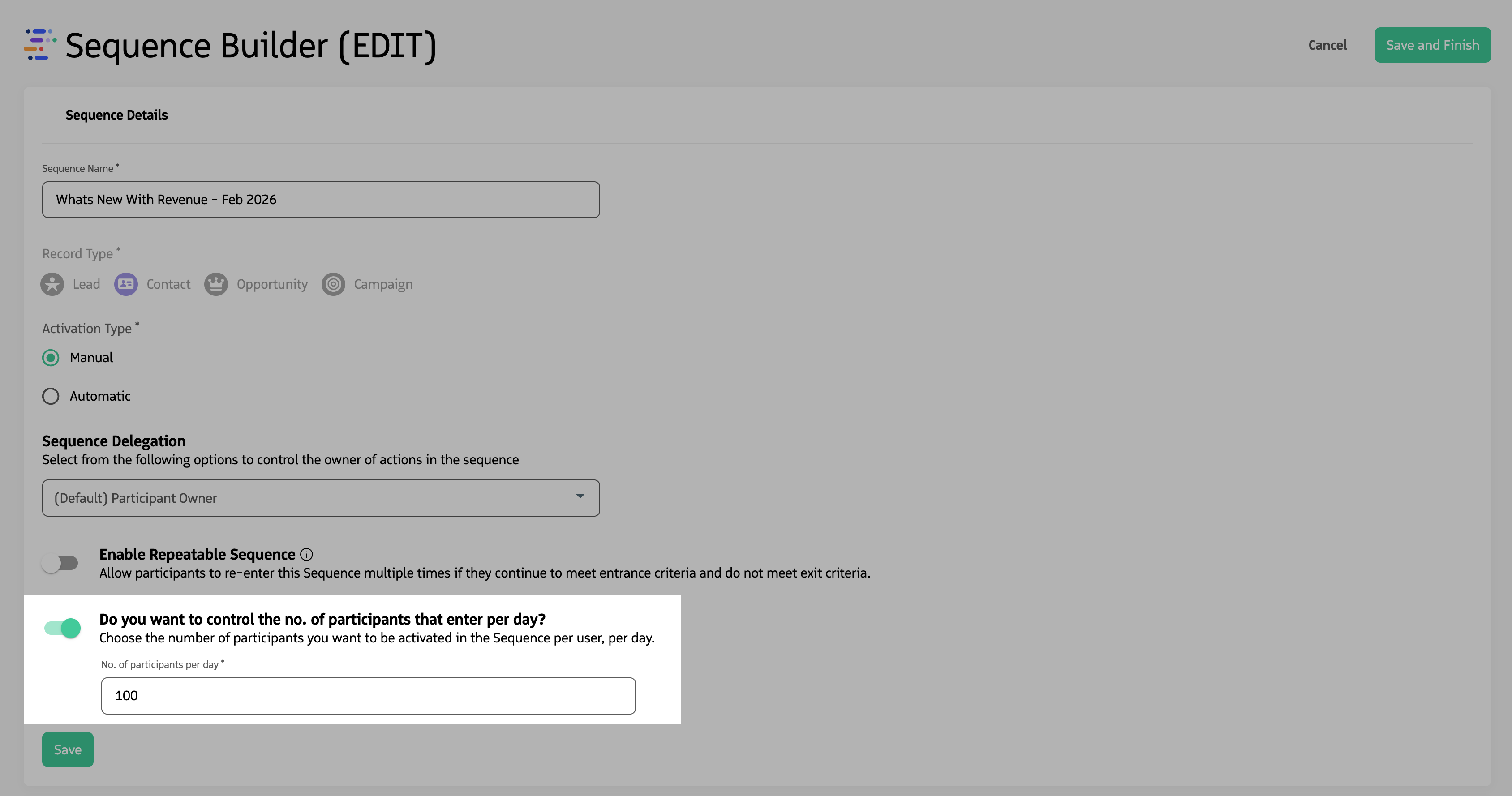
Configure Slow Drip on the sequence by turning on the setting and entering the daily participant limit.
How Slow Drip works
When participants are added to a sequence with Slow Drip configured, Guided Selling compares the number of participants that have been activated for the day against the drip limit, and creates a Queue Entry for any participants over the limit. It then schedules the first actions of delayed associations to tomorrow, so that their actions are not displayed on Engage.
A nightly scheduled job runs against the daily limit. If there is capacity, it removes participants from the queue and activates them so their first actions appear on Engage.
Example
Suppose you have an active Lead sequence with 100 leads (participants) and you set the number of participants per day to 10.
- Day 1: 10 participants are available to work with on Engage; the other 90 are queued.
- Day 2: The job moves 10 more participants from the queue; 10 new participants are available. This continues each day until the queue is empty.
That way users see a steady, limited set of actions each day instead of being overwhelmed when many records qualify at once.