Sequence & Action Delegation
Delegation determines who owns and executes participant actions when a participant is in a sequence. By default, action ownership aligns with sequence ownership (the participant record owner).
You can override this using Action Delegation: ownership is assigned to users associated with the participant objects, so that user sees and completes the actions on their Engage tab, even if they don’t own the Account, Contact, or other participant record in Salesforce.
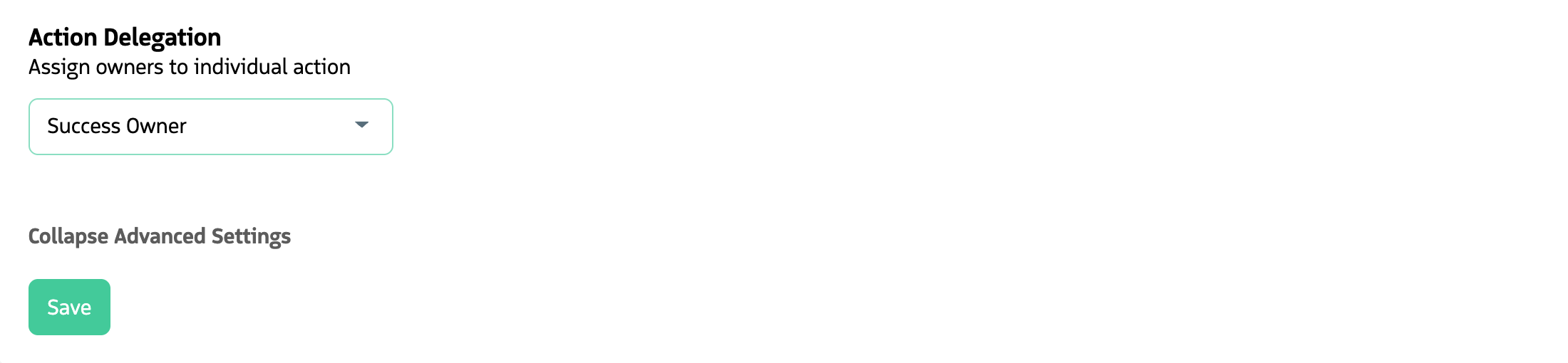
Delegating actions lets you assign ownership to users other than the default record owner.
How delegation works
You set a delegated owner by choosing a User lookup field on the participant record or a related object. Any user lookups on the supported participant objects can be used.
Which objects support delegation depends on the sequence record type:
| Sequence type | Supported objects |
|---|---|
| Contact | Contact |
| Lead | Lead |
| Opportunity | Opportunity, Account (related), Contact (related) |
| Campaign | Campaign (related), Contact (related), Lead (related) |
Example: On the Account, you might have a Customer Success Owner field (a User lookup). That field is available for delegation in Contact, Opportunity, and Campaign sequences. The user in that field might not be the Owner of the Account or the Contacts in Salesforce, but they can use Guided Selling to run sequences and engage with upsell opportunities in their book of business. Delegating actions to the Customer Success Owner lets those actions appear on that user’s Engage tab.
Sequence-level vs. action-level delegation
- Sequence level: You set one delegated owner for the whole sequence. That user owns all participant actions for that participant unless overridden at the action level.
- Action level: You can override the sequence-level delegated owner for specific actions. That lets different people own different steps for the same prospect (for example, an SDR owns the first few steps and an AE owns later steps).
Permissions and sharing
To view and update objects related to the action (Lead, Contact, Account, Opportunity), the user executing the action must have Read and Update permission on those objects in Salesforce.
In orgs where organization-wide defaults grant all users access to the relevant records, no extra sharing is required. In most orgs, access is more restricted. In those cases, sharing rules (for example, Account Sharing Rules) must be configured so delegated action owners have the access they need. That access applies to the records across the organization, not only for Guided Selling. For example, if an Account share with read access is added for a user, they can open the Account record in Salesforce and view the layout and details.
Sharing may also be required outside delegation. For example, when creating Opportunities or Campaigns from a Contact’s Opportunity or Campaign related list, Contact sharing rules may need to be set up for Opportunity Contact Role (or similar) creation, even when the Contact is not in a sequence.
Deactivated users and actions
Guided Selling allows participants whose user owners are deactivated to be part of a sequence and have actions executed and completed.
This is possible if the option Participant Enable inactive processing is enabled on the Settings page. If the setting is disabled, participants will not be eligible to enter the sequence.
If the participant owner and its participant actions delegated users are all deactivated, and the participant belongs to an active sequence, their actions will be skipped and not available for execution.