Record Types
Role:
Sequence Admin
License:
Guided Selling
A Sequence’s Record Type (also called Sequence Type) defines which records can be enrolled in the sequence.
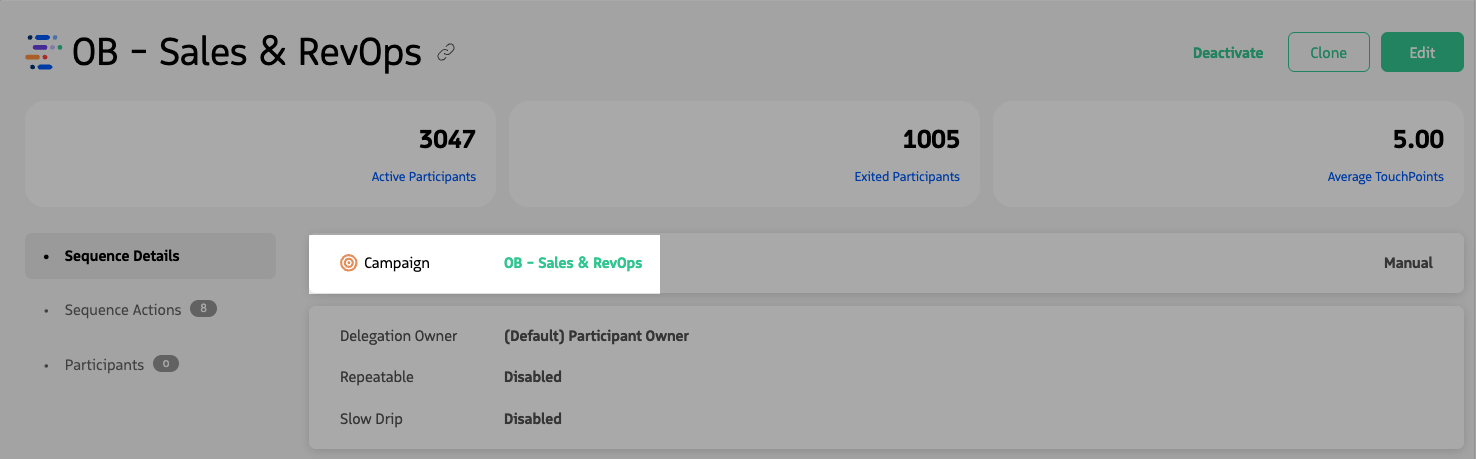
Viewing the Sequence Details of a Campaign Sequence.
Available record types
You choose one of four types when creating a sequence — Lead, Contact, Opportunity, or Campaign — and that choice drives which participants can be added, which criteria and delegation options are available, and which objects are used for association.
| Record Type | Description |
|---|---|
| Lead | The sequence runs for Lead records (and uses Lead lookup fields per your Salesforce configuration). |
| Contact | The sequence runs for Contact records (and uses Contact lookup fields per your Salesforce configuration). |
| Opportunity | The sequence runs for Contacts who are associated with an Opportunity via Opportunity Contact Role. |
| Campaign | The sequence runs for Leads and Contacts who are Campaign Members on an active Campaign. |
Record type is required when creating a sequence and cannot be changed after the sequence is saved. Select the correct record type before saving.
How record type affects Sequences
The record type you select determines:
- Which fields are available for entrance and exit criteria
- Which participants can be associated with the sequence
- Which fields are available for sequence delegation
- Which objects are used for sequence association
Last updated on