Activation Type & Priority
The Activation Type determines how participants enter a sequence, and Priority (for automatic sequences) determines which sequence a participant should be assigned to when multiple sequences match.
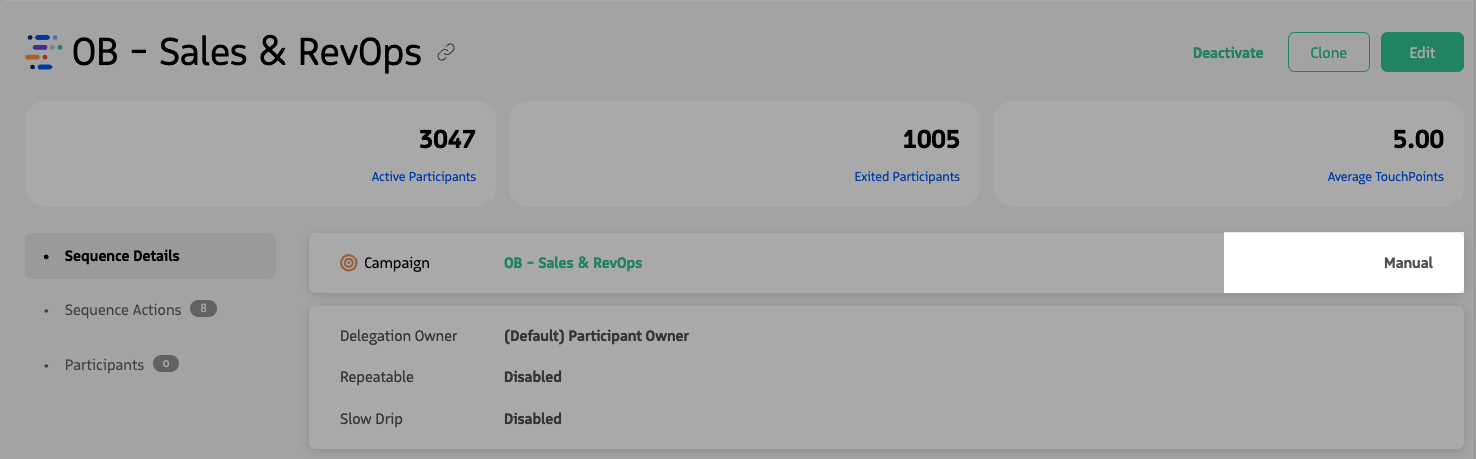
Viewing the Sequence Details of a Manual Sequence.
Activation types
A sequence has two possible activation types: Automatic or Manual. This can always be updated after a Sequence is created.
Manual
When a sequence is manual, the participant can be associated with a sequence only via manual user intervention.
Users enroll individual participants from the Lead or Contact page, or from a list view using the Add to Sequence button. If a record meets the sequence entry criteria, it can be added; otherwise, in-app text explains why the record cannot be enrolled.
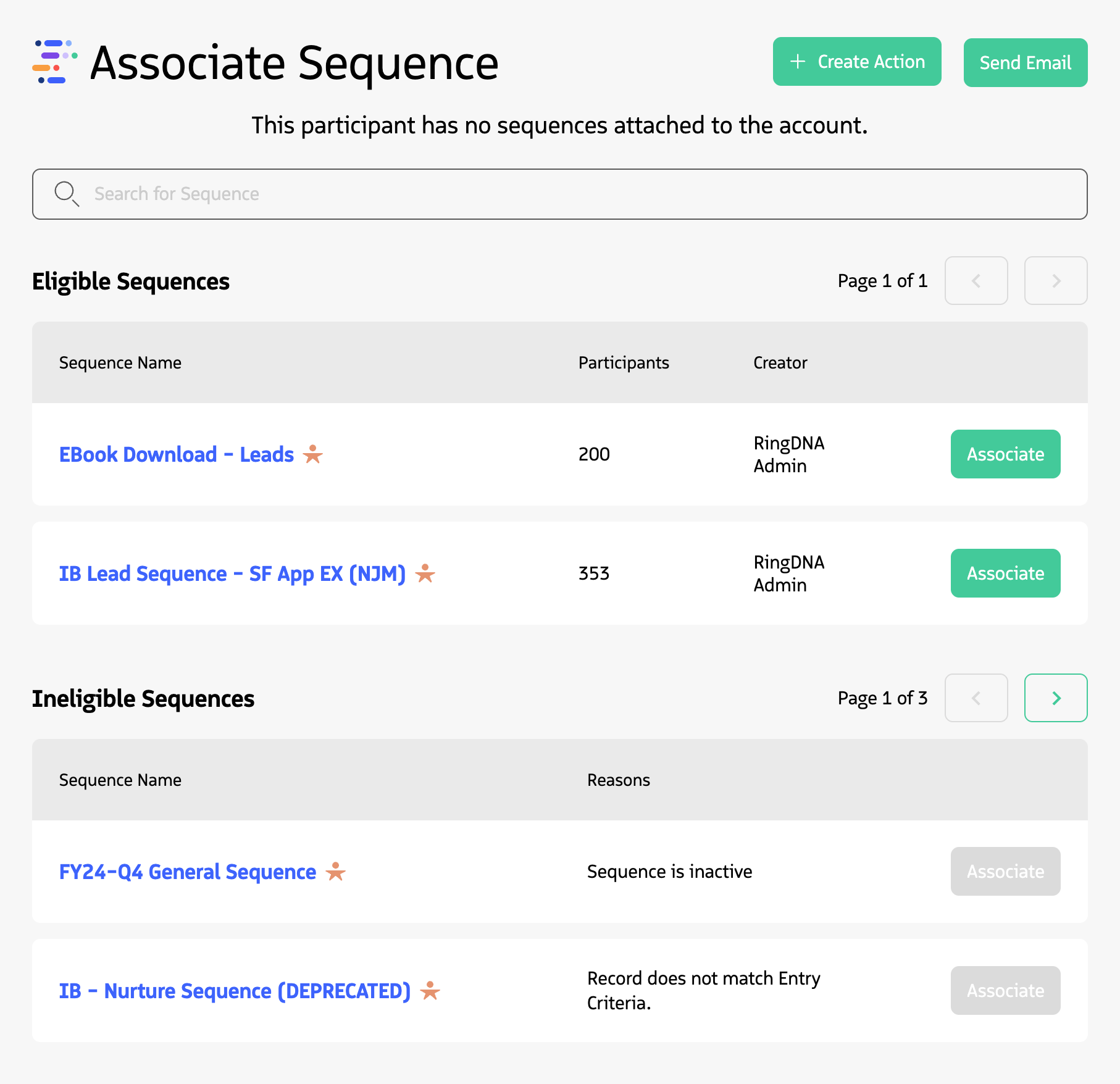
Manually enrolling a participant in a Sequence using the Participant Overview module (Lead/Contact Record page).
Manual sequences are useful when you want to:
- Control exactly which participants enter a sequence
- Review participants before adding them
- Add participants on a case-by-case basis
Automatic
With an automatic sequence, participants are added as soon as they meet the entrance criteria. This is especially useful when records are created or updated by Salesforce automation or integrated systems (for example, marketing tools).
Sequence priority
Priorities are used to determine which automatic sequence a participant should be assigned to when they meet the criteria of multiple sequences. Priorities range from P1 to P5, with P1 being the highest priority and P5 the lowest.
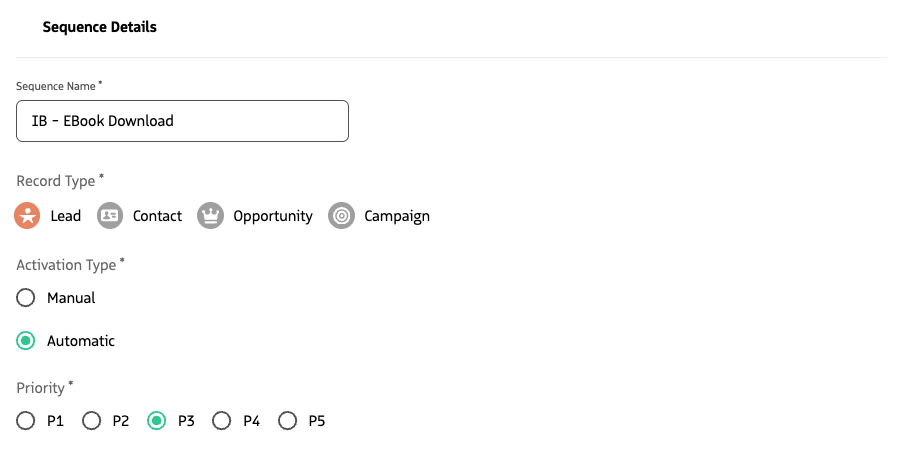
Setting the sequence Priority for an Automatic Sequence.
How priority works
When a candidate meets the criteria of more than one automatic sequence, the highest priority level has preference.
Best practice
When selecting prioritization, it’s a best practice to choose P3 as a neutral option in order to reserve higher and lower priorities when needed.