Edit, Clone, or Delete a Sequence
You can edit, clone, or delete sequences in Guided Selling. Each operation has different implications for existing participants and sequence data.
Choose a Sequence
- Open Salesforce.
- Click the icon (App Launcher) in the top-left of Salesforce.
- Search for Guided Selling.
- Click the
Sequencestab. - Click on a Sequence from the list.
Editing a Sequence
You can edit any existing sequence, whether it is active or inactive. When you save changes, they take effect immediately and overwrite the previous configuration. Guided Selling does not keep version history for sequences or their settings, so there is no undo.
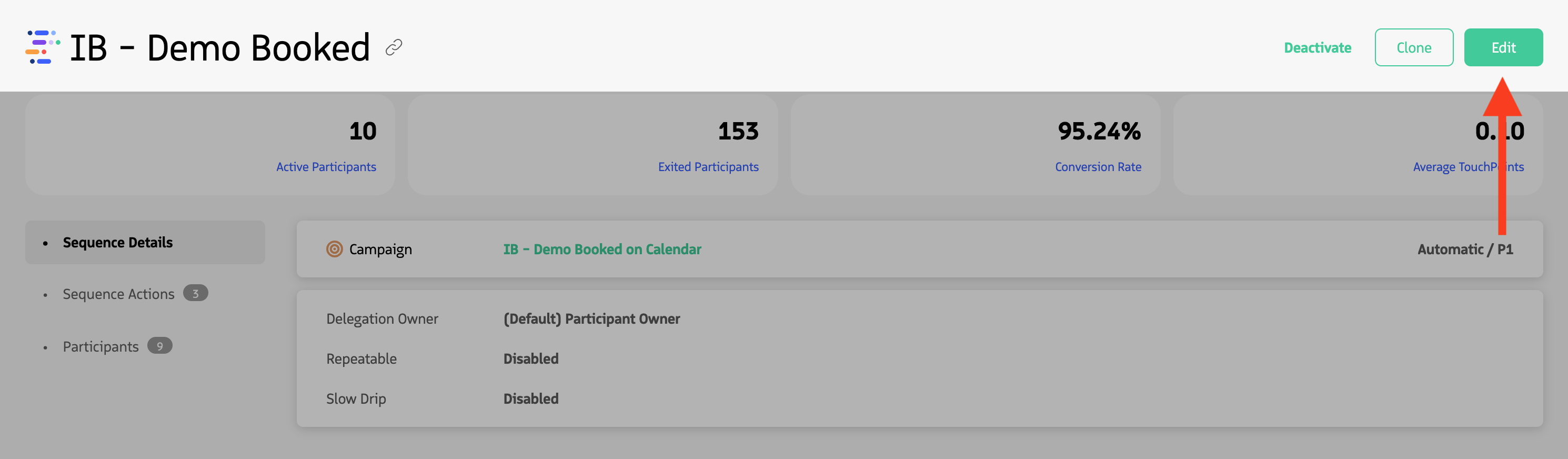
- Navigate to the sequence detail page
- Click the Edit option located in the top right corner
- Edit the sequence as needed
- Click
Savewhen ready
Editable Options
- Sequence name
- Activation type
- Sequence delegation
- Entrance and exit criteria
- Actions (with limitations when participants exist)
- Slow drip settings
- Repeatable sequence setting
Editing Sequences with Participants
When editing sequences with active participants:
- New actions can only be added to the end of the sequence
- Existing actions can be modified, but changes affect all participants
- Removing actions will remove uncompleted Participant Actions
- Exit criteria changes can affect current participants. See how.
Cloning a Sequence
Cloning a sequence creates a new version titled “Copy of [Original Sequence Name]”, which includes all Sequence Details and Sequence Actions from the original. By default, the cloned sequence is deactivated.
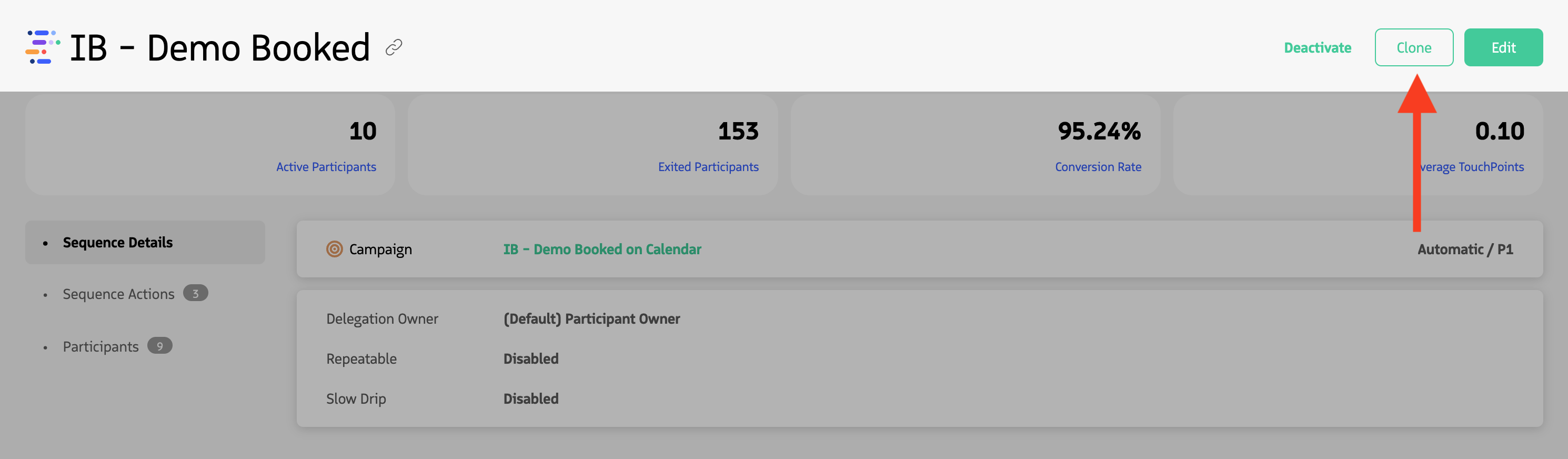
- Navigate to the sequence detail page
- Click the Clone option located in the top right corner
- The cloned sequence will be created with “Copy of” prefix
- Edit the cloned sequence as needed
- Activate when ready
As with newly created sequences, the Sequence Type value cannot be modified in the cloned sequence.
Deleting a Sequence
If the sequence itself is deleted, all associated participants are removed from the sequence.
Before deleting
Before deleting a sequence, consider:
- The number of active participants
- Whether sequence history needs to be preserved
- Impact on reporting and analytics
- Whether the sequence should be deactivated instead
Deactivating vs. deleting
- Deactivate: Pauses the sequence but preserves all data and participants
- Delete: Permanently removes the sequence and disassociates all participants