Viewing Saves Searches
Once Saved Searches are created, you can view a list of all the public and private Saved Searches in one place.
Viewing Saved Searches List
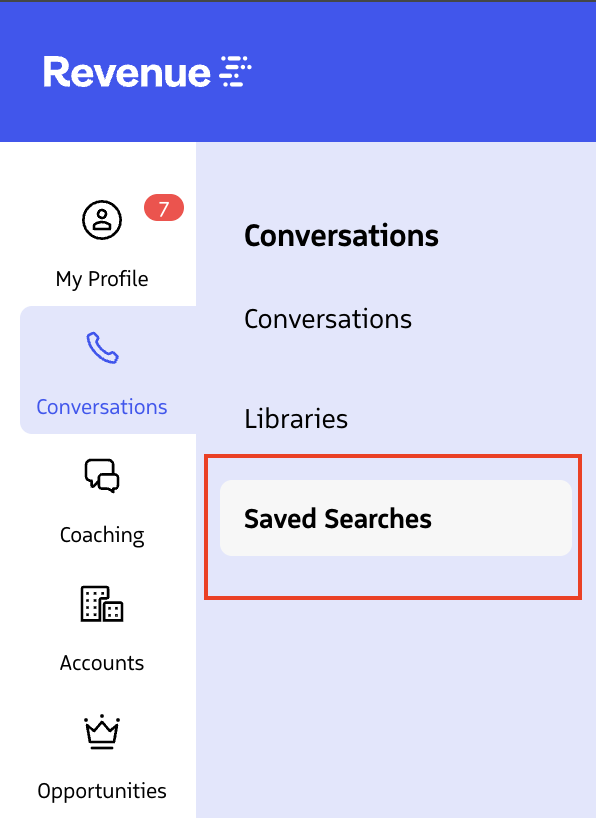
- Go to the Saved Searches tab in the Revenue app.
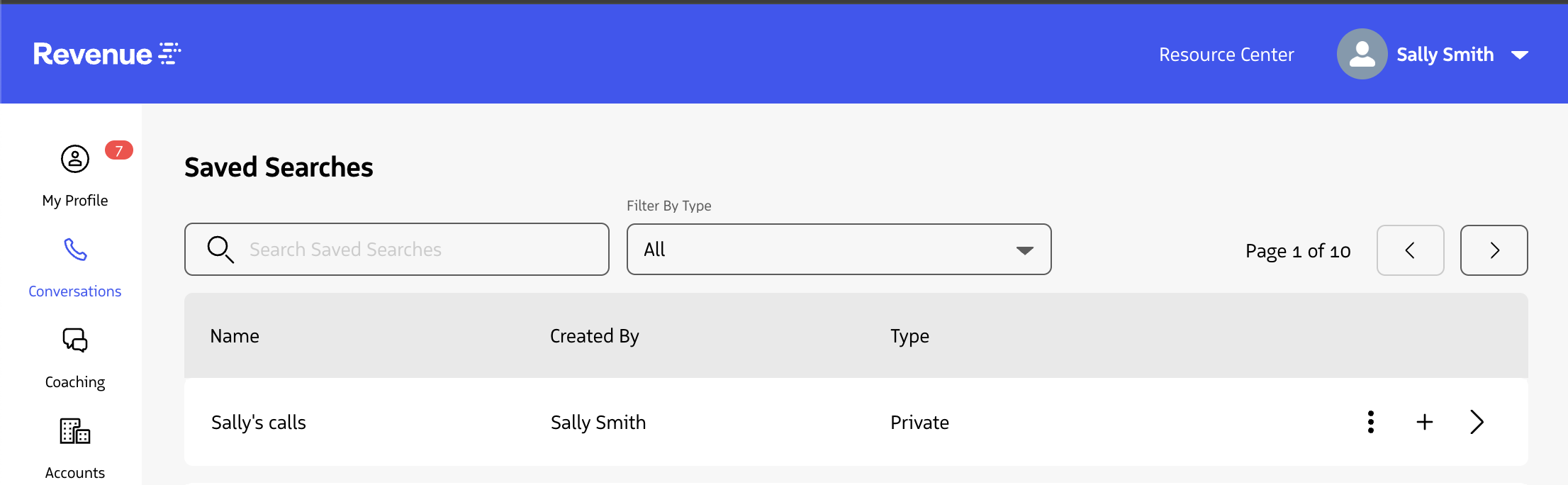
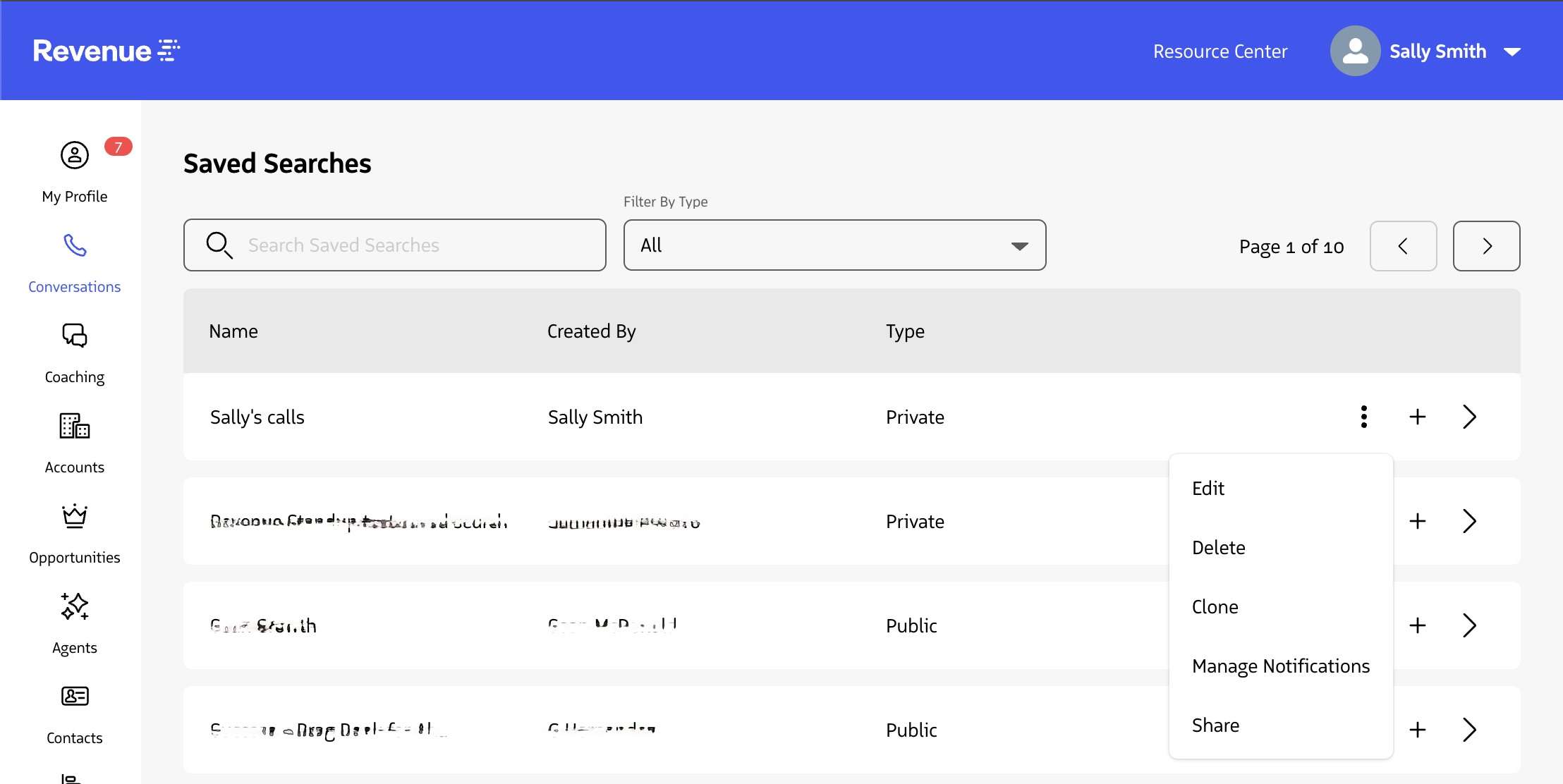
- See the list of Saved Searches on the account
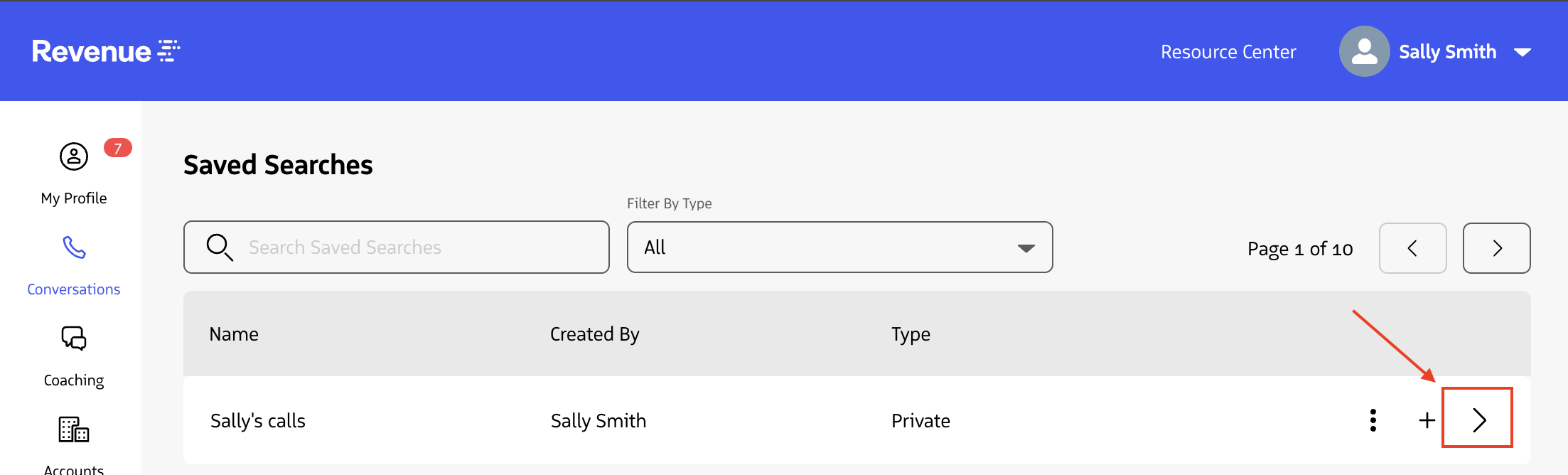
- Click on an individual Saved Search to expand it and see the criteria
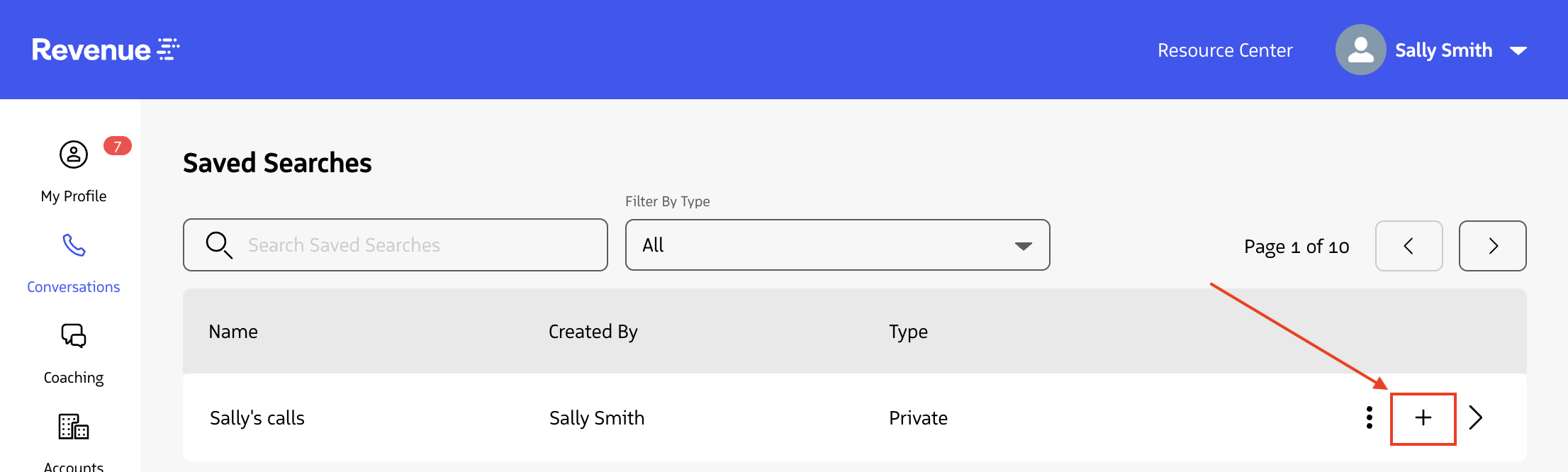
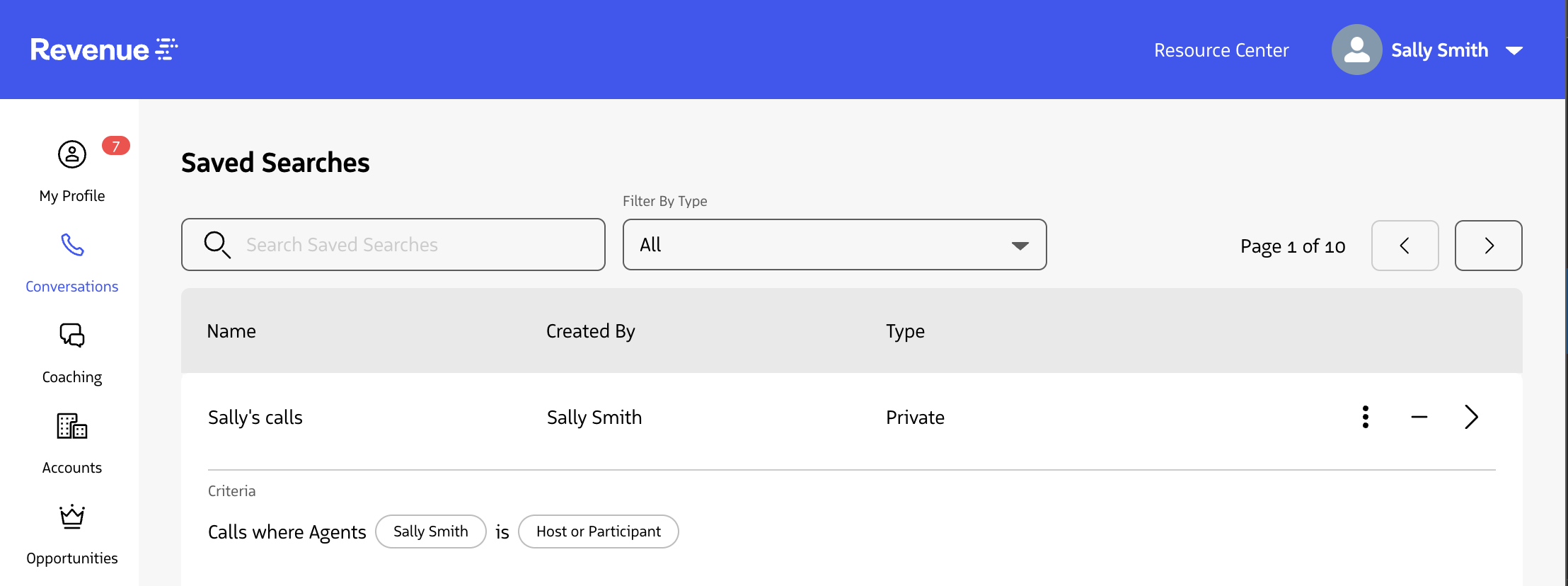
- On your own Saved Searches, click the more options icon to see actions you can take
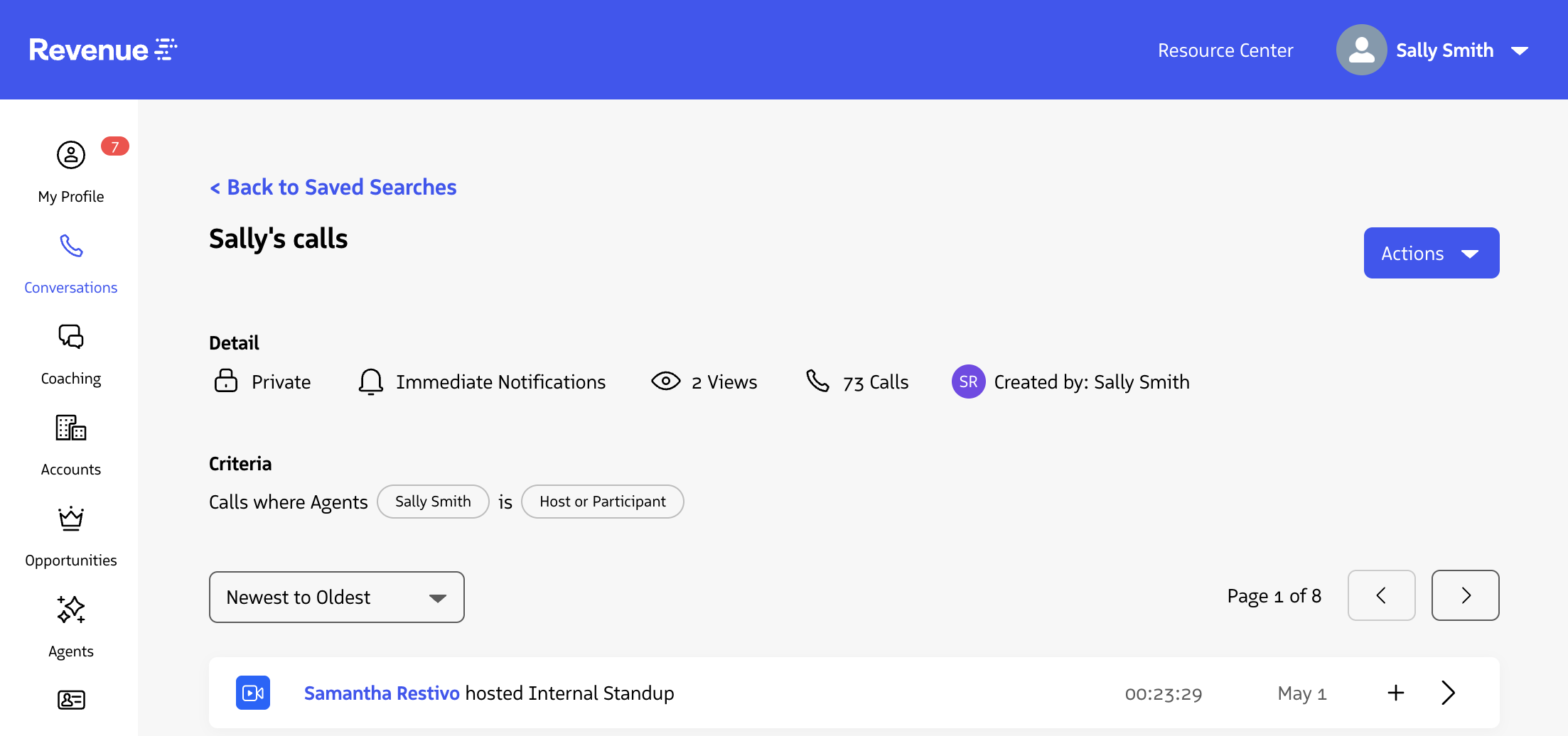
- Click on the Saved Search to see the detail page, including a list of conversations in that Saved Search