Searching Conversations and Advanced Filters
Contents:
Conversation Search
Users can run a Conversation Search on the Conversations page to find conversations that:
- Include (or do not include) Keywords or phrases (such as competitors or features)
- Resulted in successful or unsuccessful outcomes (using Dispositions, Lead Status, or Opportunity Stages)
- Calls demonstrating particular rep behaviors (frequent interruptions, talking too much, etc.)
To run a Conversations Search: Select Conversations in the Revenue app.
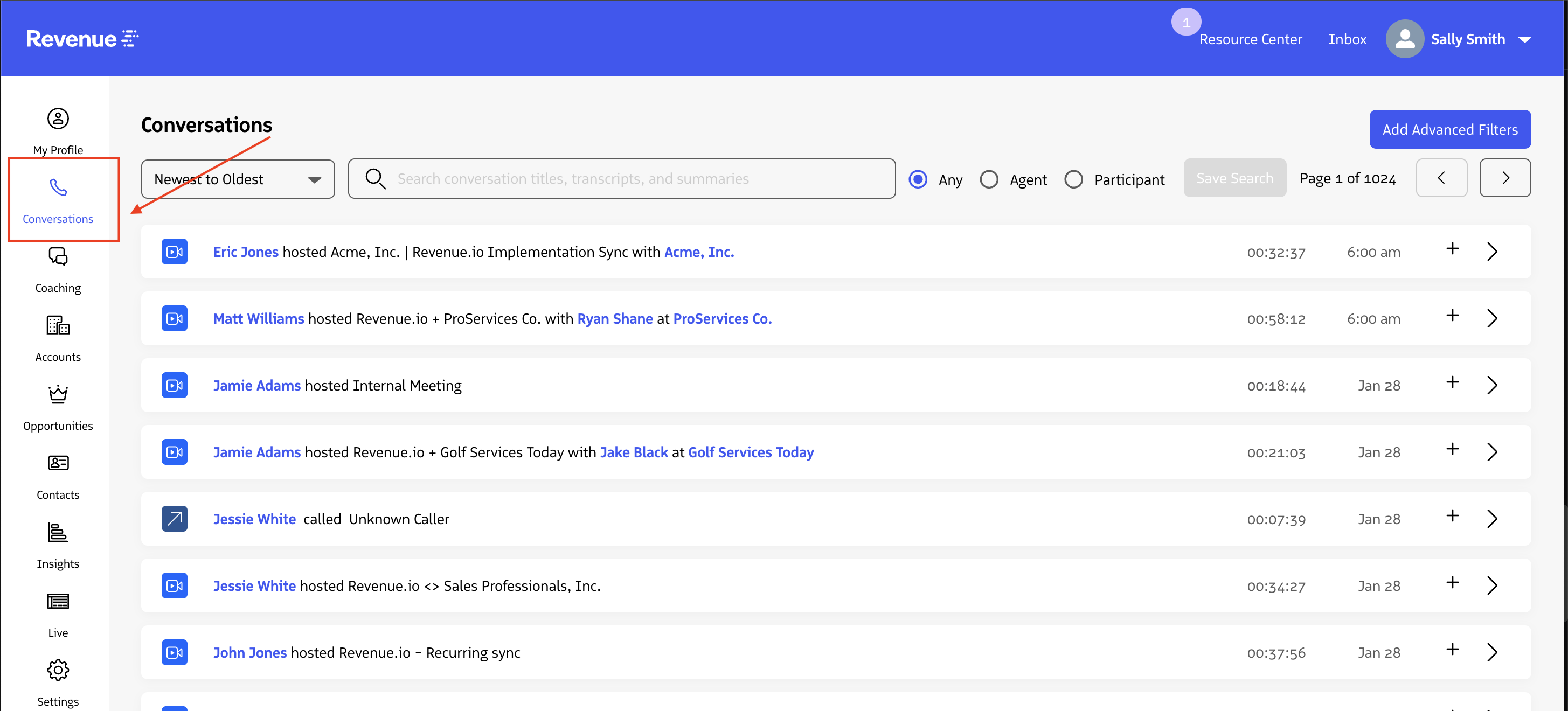
You can use the Filters and Sort options to find conversations that match your specific search criteria.
Conversation Search Filters
Open Text Search
- The search bar at the top of the page allows users to input search queries - type out what you’re searching for and hit enter.
- This will search call transcripts, call notes, supervisor notes, and participant details.
- For an exact match, put your text search terms within quotation marks.
- e.g., To find conversations that specifically said I like Peanut butter and jelly sandwiches, enter “I like Peanut butter and jelly sandwiches”

- For a loose match, type in the text without quotation marks. This will show you conversations that contain all of the text searched for but not necessarily together.
- i.e., a Text search of I like Peanut butter and jelly sandwiches, (not in quotes) will return conversations in which some words were used at any point within a conversation but not necessarily were said/used together.
- They could have said, “We no longer have Peanut butter on our menu due to allergies. However, we still offer jelly and all other sandwiches. I recommend the Turkey sandwich.”
- i.e., a Text search of I like Peanut butter and jelly sandwiches, (not in quotes) will return conversations in which some words were used at any point within a conversation but not necessarily were said/used together.

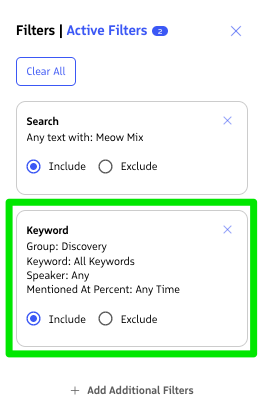
- To mark text as Include or Exclude Criteria: Once you enter a text search, you will see an Advanced Filters notification**, clicking Advanced Filters → Active Filters ** will indicate your search to include or exclude the inputted search string
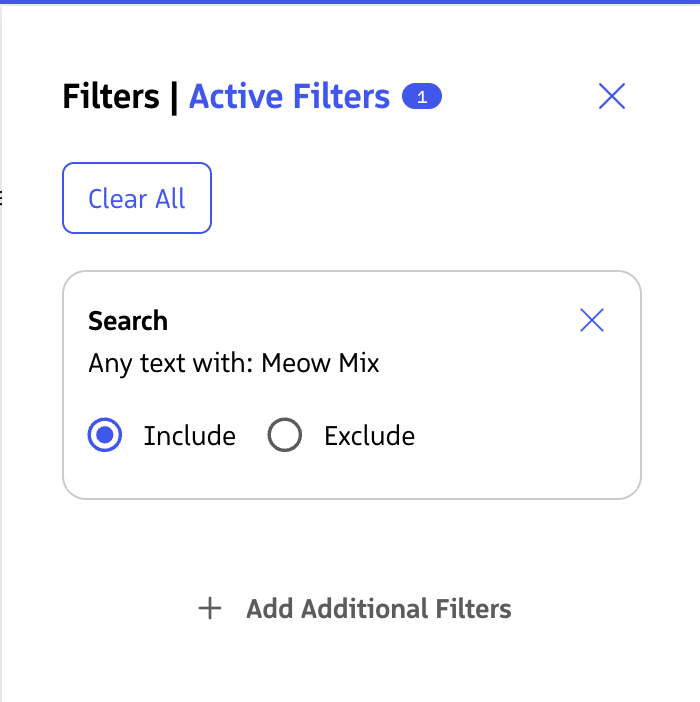
Conversation Search:
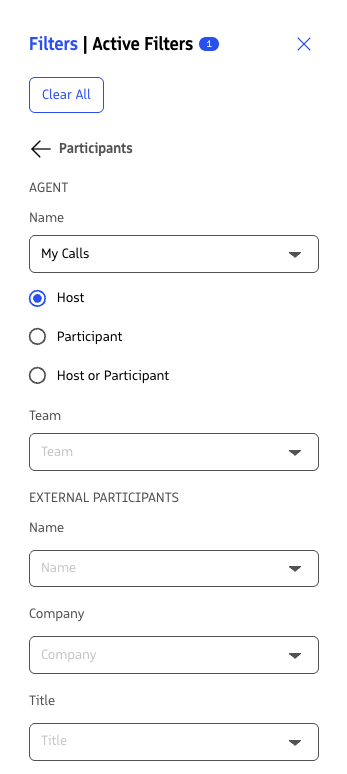
When applying multiple filters, they are compounded. For example if you apply filters Participants -> Name - Sally Smith as host, Type of Conversation = Audio Conversation, and Engagement = Has Notes, the results will pull conversations where Sally Smith is the host of an audio conversation that has notes.
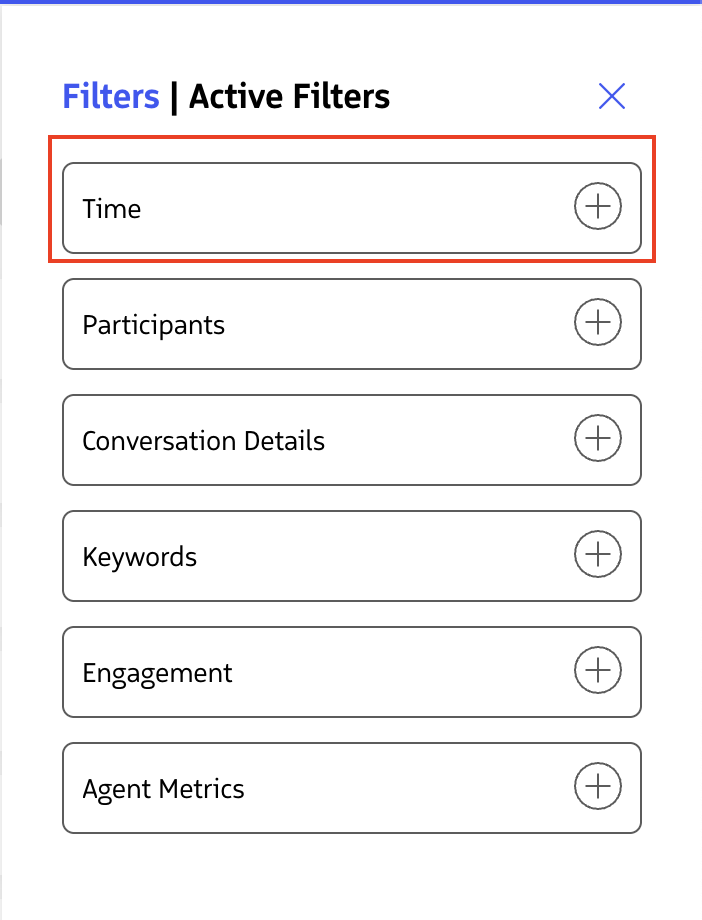
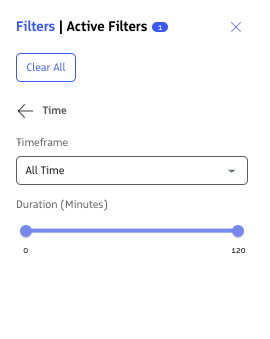
Time Filters
- Timeframe of calls
- Apply filters based on the date when a conversation occurred
- Duration of calls
- Apply filters based on the length of Conversations (A great way to filter out shorter conversations)
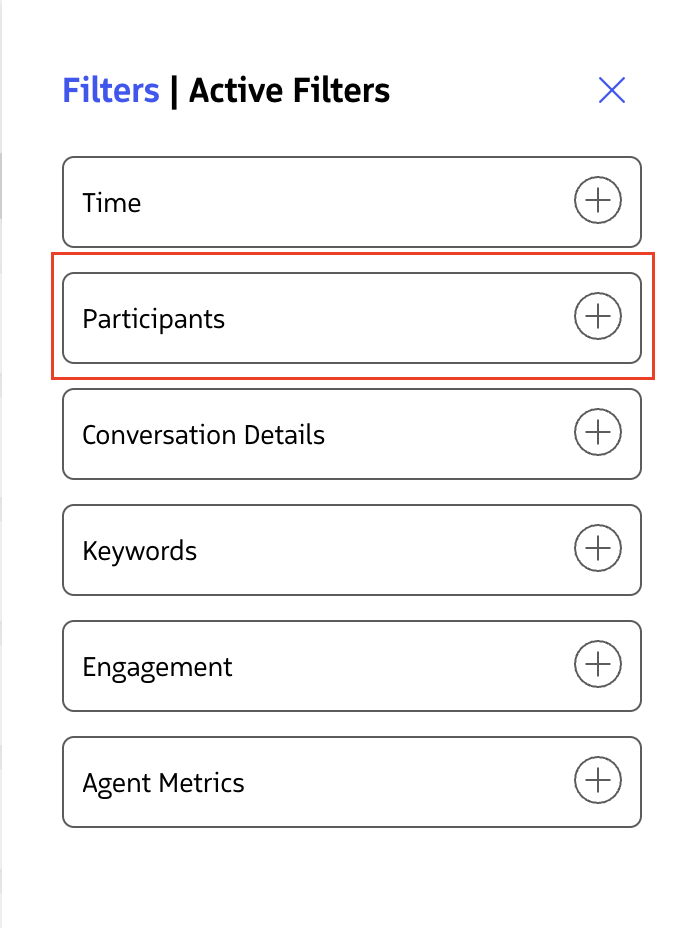
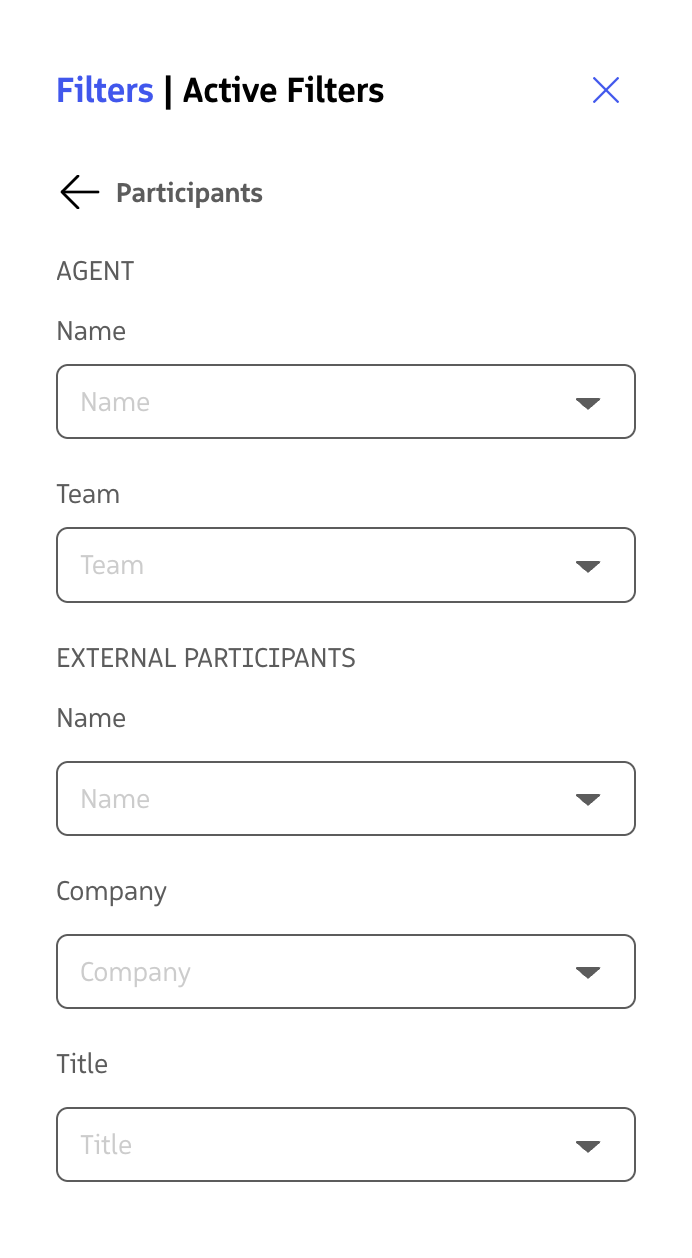
Participant Filters
- Agent Details
- Agent Name
- Filter to only show conversations where a specific Rep is the host, participant, or either they are the host or a participant
- Agent Team
- Filter to only show conversations where a Rep assigned to a specific team is the host, participant, or either they are the host or a participant
- Agent Name
- External Meeting Attendee Details
- External Participant Name
- Filter to only show conversations attended by a specific prospect/lead/contact/customer’s name
- External Participant Company
- Filter to only show conversations attended by a specific prospect/lead/contact/customer’s company name
- External Participant Title
- Filter to only show conversations attended by a specific prospect/lead/contact/customer’s title (as shown within Salesforce)
- External Participant Name
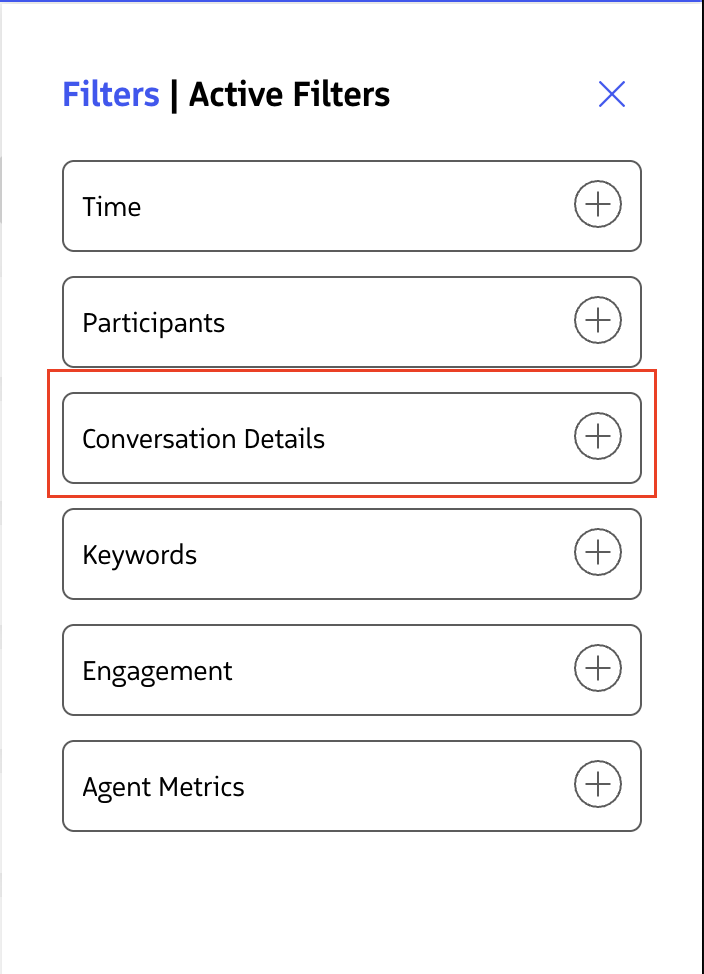
Conversation Details Filters
- Opportunity Stages
- Filter to only show conversations that took place during a specific Opportunity Stage
- Lead Status
- Filter to only show conversations based on specific lead statuses
- Type of Conversation
- Filter to only show conversations that are Audio conversations or Video Conversations
- Call Direction
- Filter to only show conversations based on the direction (Inbound calls only or Outbound calls only)
- Disposition of call
- Filter to only show conversations based on the disposition reason assigned to the conversation
- Call Rating (entered by Agent in the RingDNA dialer)
- Filter to only show conversations based on the Reps entered call ratings within the ringDNA dialer
- Libraries
- Filter to only search for conversations within specific Libraries
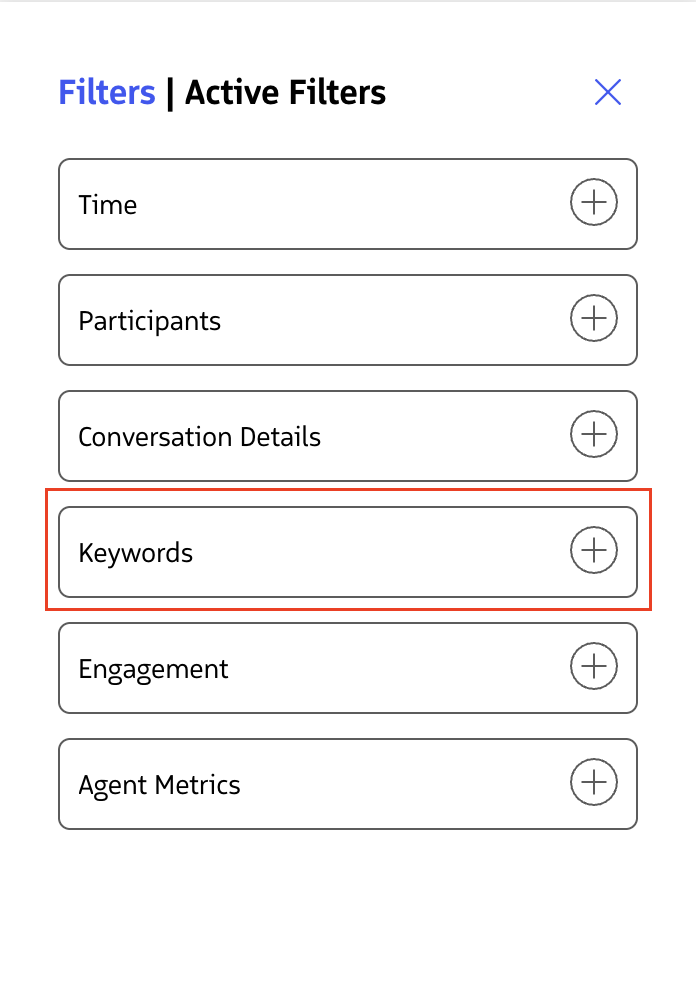
Keyword Filters
- Keywords/Keyword groups
- Filter to only show conversations that contained a specific keyword or any keyword from a specific keyword group
- Mentioned By:
- Filter to only show conversations that had particular keywords/keyword groups mentioned by either
- The Agent (Rep hosting the conversation)
- The Participant (Non-internal Agent/Rep meeting attendees)
- Anyone (mentioned by anyone on a call)
- Filter to only show conversations that had particular keywords/keyword groups mentioned by either
- Mentioned At:
- Filter to only show conversations in which specific keywords/keyword groups were detected within a particular part (percentage) of a call
- e.g.
- First 25% of a call
- Last 50% of a call
- Within the middle of a call (25%-75%)
- e.g.
- Filter to only show conversations in which specific keywords/keyword groups were detected within a particular part (percentage) of a call
- Notes:
- You must click ‘Apply Filter’ for filter selections made to take effect
- By clicking the Active Filters → your selected keywords, you will find calls that do not include the chosen keyword.
Engagement
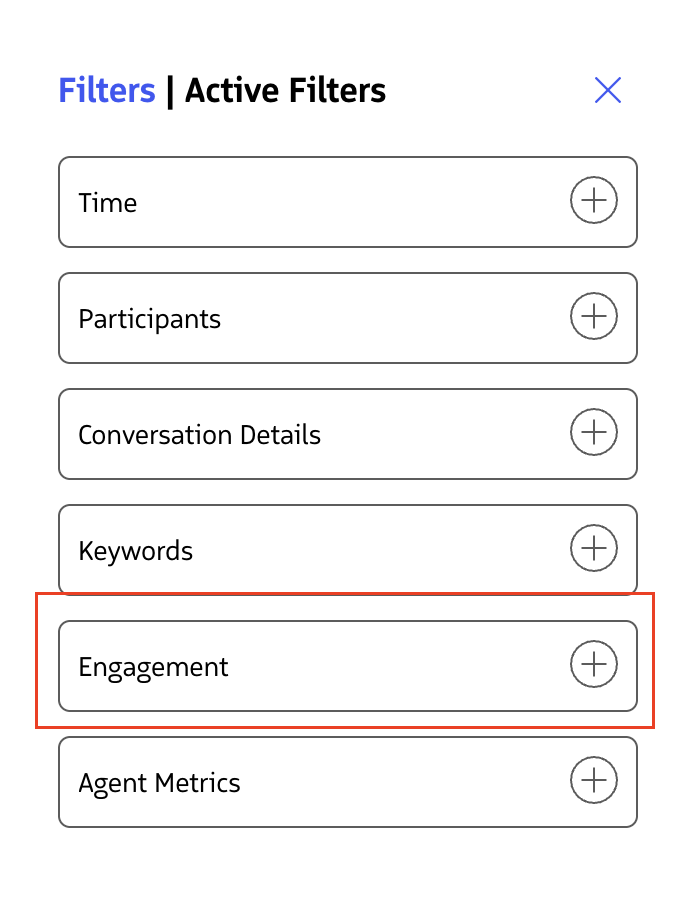
- Has Notes
- Filter to only show conversations that contain Rep notes
- Has Supervisor Notes
- Filter to only show conversations that contain Supervisor notes
- Has Annotations
- Filter to only show conversations that contain annotations
- Shared with Others
- Filter to only show conversations that were shared
- Has Tasks
- Filter to only show conversations that have Salesforce tasks
- Flagged for Coaching
- Filter to only show conversations that were flagged for coaching within the ringDNA Dialer
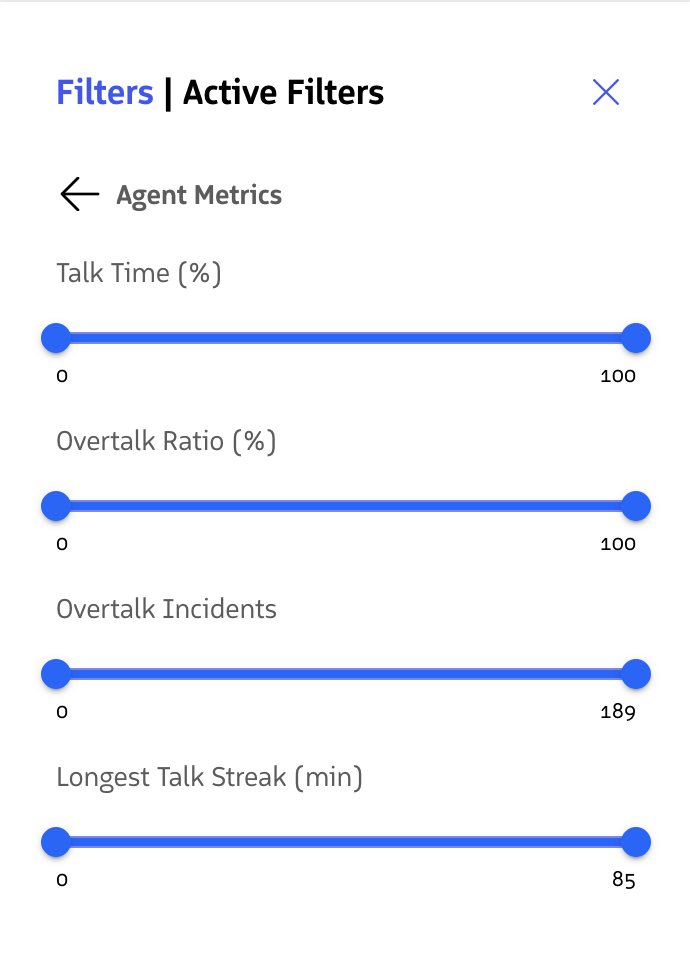
Agent Call Metrics
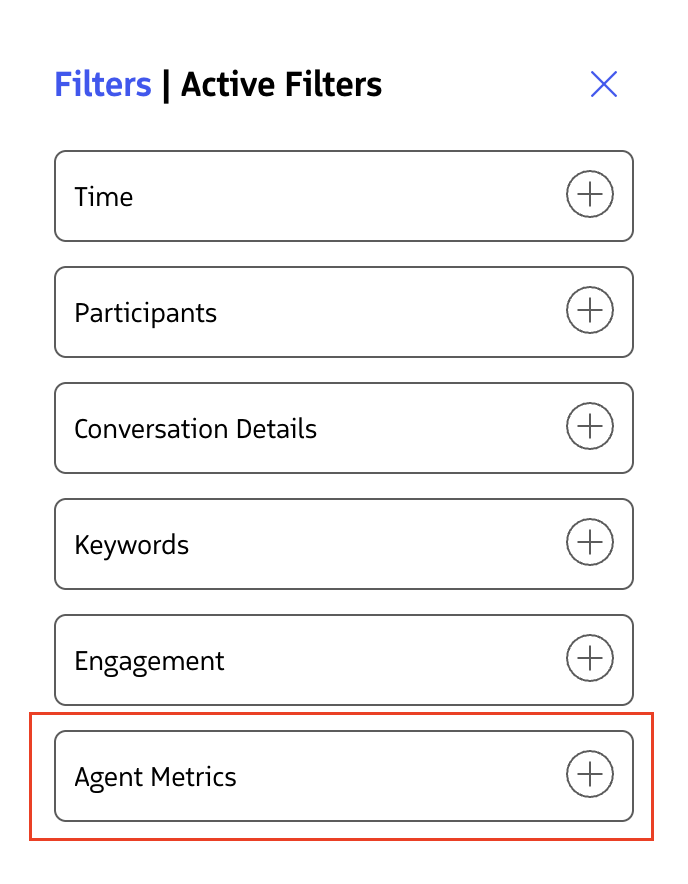
- Search by metrics like Agent talk ratio, overtalk incidents, and talk streak length.
- This section searches specifically for an Agent’s conversation etiquette on a call.
Last updated on